Gemini AI Photo Editing Prompt
Copy karo. Paste karo. Kamaal dekho. 100+ best Gemini AI photo editing prompts, trending, viral aur cinematic.
Pehle photo editing ke liye Photoshop ya Lightroom sikhna padta tha. Ab ek sahi Gemini AI photo editing prompt se background change, lighting fix, cinematic color grade, aur portrait retouch, sab kuch seconds mein ho jaata hai. Is category mein aapko copy-paste ready, tested prompts milenge, trending styles se lekar technical deep-dives tak.
Trending in Gemini Prompt
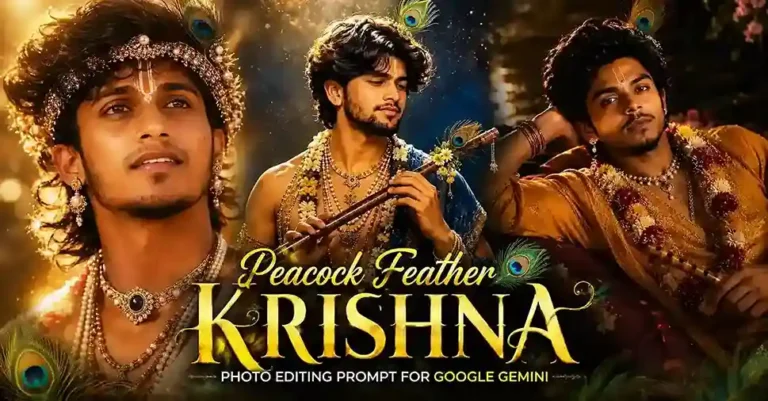
Latest Gemini Prompt



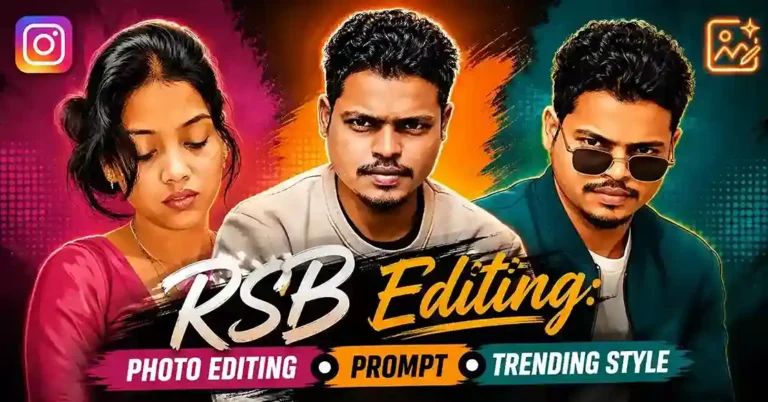

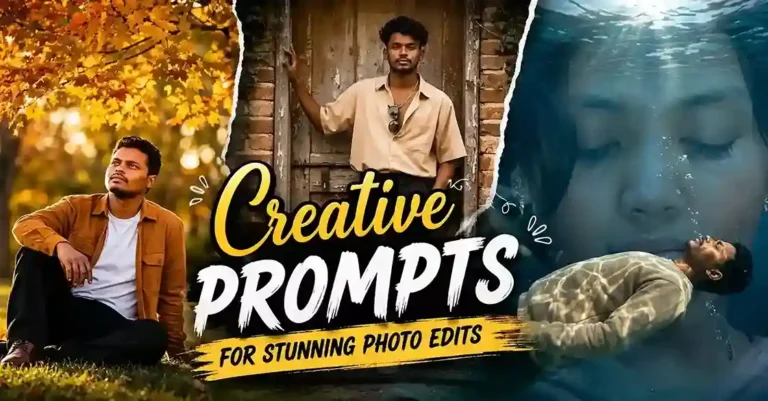
Gemini AI Photo Editing Prompt Kya Hota Hai?
Ek Gemini AI photo editing prompt ek text instruction hai jo aap Google Gemini ko dete ho, jisse woh aapki photo ko automatically edit, enhance, ya transform kar deta hai. Gemini text aur image dono samajhta hai, isliye jab aap usse ek detailed prompt dete ho, woh samajhta hai ki kya change karna hai (background, lighting, color), kaisa result chahiye (cinematic, realistic, vintage), aur kisko preserve karna hai (face, dress, subject).
Gemini AI Photo Editing Ke Top Use Cases
- Background Change: Jungle, city, studio, beach, jo bhi ho, Gemini realistic lighting adjust karke perfect blend karta hai
- Cinematic Color Grading: Orange-teal LUT, moody dark tones, golden hour feel
- Portrait Aur Selfie Enhancement: Natural, polished look bina over-editing ke
- Outfit Aur Style Change: Traditional ya modern fashion virtually try karo
- Themed City/Location Prompts: Apni photo ko kisi bhi setting mein place karo
- Festive Aur Seasonal Themes: Diwali, Holi, festival-specific photo editing
- Professional Headshot: LinkedIn ya portfolio ke liye corporate-quality result
- Artistic Transformation: Oil painting, sketch, watercolor style conversion
Gemini AI Photo Editing Prompt Use Karne Ka Sahi Tarika
- gemini.google.com kholo aur apni image upload karo
- Kisi bhi post se apna prompt copy karo aur text box mein paste karo
- Enter dabao aur result dekho
- Agar result 100% perfect na aaye, prompt mein thoda detail add karo, jaise lighting type ya mood specify karo
Pro Tip: Jitna zyada specific detail prompt mein doge (jaise “soft golden hour lighting, slightly warm tones, blurred bokeh background”), utna better result aayega.
Best Gemini Prompts Kaise Likhe Jaate Hain?
Yeh 5 cheezein har ek effective prompt mein honi chahiye:
| Element | Example |
|---|---|
| Subject | “A young woman in a red saree” |
| Action/Edit | “standing in a royal Mughal palace” |
| Lighting | “soft warm golden hour sunlight from left” |
| Style/Mood | “cinematic, filmy poster style” |
| What to Preserve | “keep the face exactly the same, do not change the expression” |
Browse By Theme
Photography Fundamentals
- Gemini AI 4K Prompt Glossary – camera, lighting, aur composition terms ka reference
- Dark Fantasy Compositing Guide – do subjects ko ek frame mein convincingly rakhna
- Negative Prompt Deep-Dive – jab selective exclusion sabse zaroori part ho
Selfie Aur Portrait
- Selfie Prompt Category – mirror, casual, aesthetic, aur couple selfies
Cultural Aur Devotional
- Peacock Feather Krishna Prompt – devotional portrait anatomy
- Purple Saree Prompt – occasion ke hisaab se sahi version
- CG City Tour Prompt – boy, girl, mythology, beach, aur bullet variants
Family Aur Sibling Themes
- Brother and Sister AI Prompt – genuine platonic sibling-bond prompts
- Sibling Photo Prompt for Gemini – Gemini-specific versions
Weather Aur Mood
- AI Rain Photo Prompt – cinematic rain look technically kaise banta hai
Creator-Style Prompts
- AI Prompt Anup Sagar – signature style breakdown
- Biruli Trending Prompt – photo, video, AI, aur Instagram guide
- Biruli in Earth Zoom Effect – video/motion-specific guide
Sports Aur Jersey
- Football Jersey AI Prompt – universal team template
Frequently Asked Questions
Haan, basic Gemini free use kar sakte ho. Advanced editing ke liye Gemini Advanced (Google One subscription) better result deta hai.
Bilkul, Google Gemini app Android aur iOS dono par available hai.
Nahi, agar aap clearly "keep the face exactly the same" likhte ho prompt mein, Gemini face preserve karta hai.
Zyaadatar prompts ChatGPT (GPT-4o with Vision) par bhi kaam karte hain. Kuch Gemini-specific prompts sirf Gemini Advanced par best result dete hain.
Zyaadatar prompts ChatGPT (GPT-4o with Vision) aur Microsoft Copilot par bhi kaam karte hain. Kuch Gemini-specific prompts hain jo sirf Gemini Advanced par best results dete hain.
Hum daily naye trending Gemini photo editing prompts add karte hain. Is page ko bookmark karke rakhein, baar baar aana mat bhuliyo!