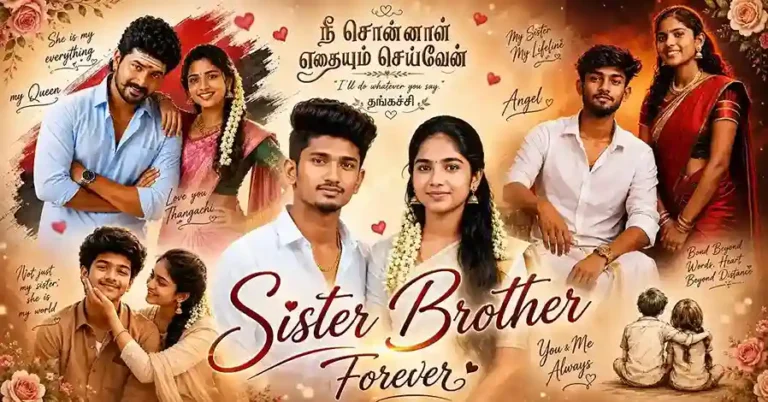
Anna Thangachi Prompt
Anna Thangachi Prompt Copy Paste Ready Tamil Brother Sister AI Prompts, Cinematic, Village, Rain, Wedding & More!
Anna Thangachi Tamil culture mein bhai-behen ke pyaar aur bond ko darshane wala ek warm, familiar term hai. Is category mein aapko genuinely platonic, family-appropriate AI photo prompts milenge, jo real sibling bond ki emotional warmth ko capture karte hain, romantic ya intimate content nahi.
Ek editorial note: Har prompt jo is category mein publish hota hai, usse pehle ek simple test se guzarna chahiye, agar prompt mein “couple”, “romantic atmosphere”, ya “intimate pose” jaisi language hai, wo genuine sibling content nahi hai, chahe usme “Anna” ya “Thangachi” jaisa label kyun na laga ho. Is standard ko follow karke hi hum genuinely trustworthy, family-safe content de sakte hain.
Trending in Anna Thangachi Prompt
Latest Anna Thangachi Prompt
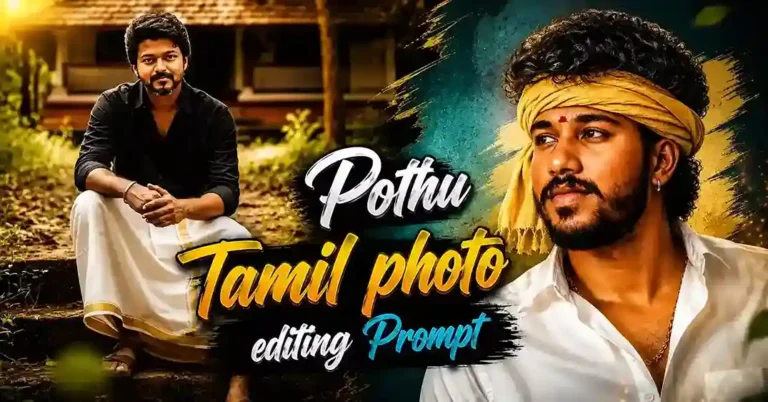
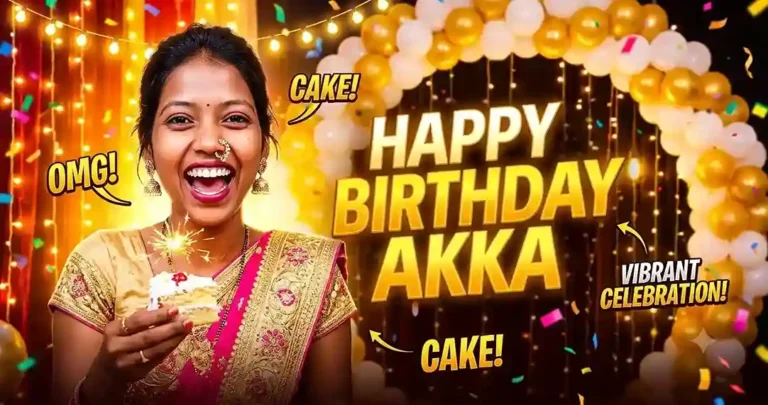
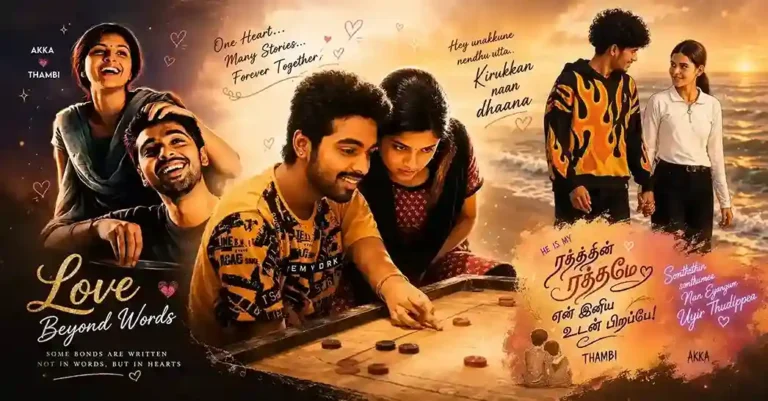
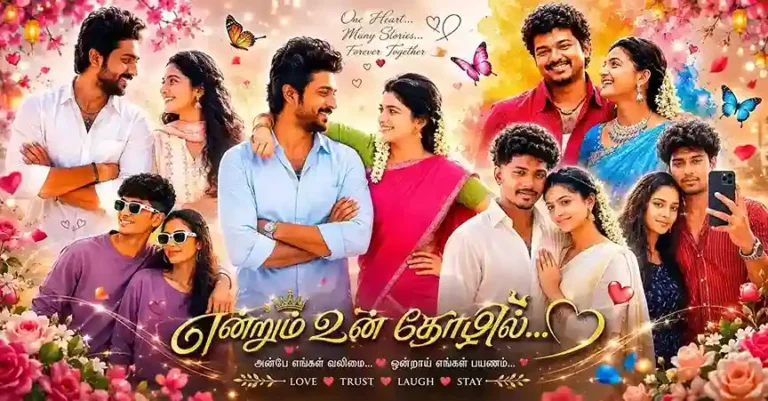
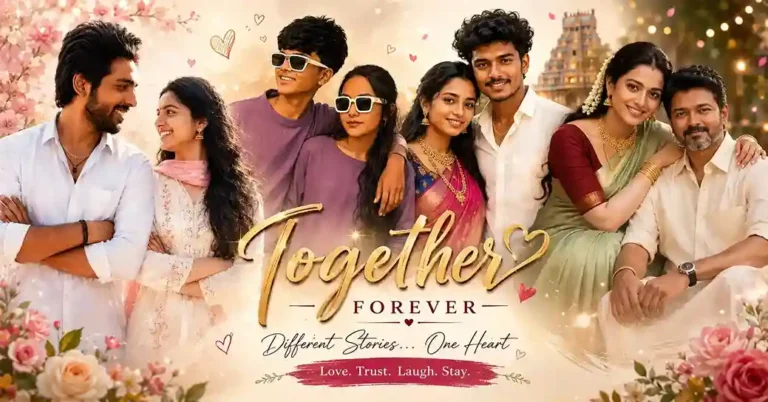
Anna Thangachi Prompt Kya Hai?
Anna Thangachi Prompt ek AI image-generation instruction hai jisme Tamil bhai (Anna) aur behen (Thangachi) ka emotional, cinematic, ya cultural scene create hota hai, ChatGPT, Gemini, ya similar AI tools se. Core theme hamesha platonic hona chahiye: protective bond, playful teasing, festival celebration (jaise Raksha Bandhan), ya nostalgic childhood connection, romantic couple photography nahi.
Is Category Mein Kya Milega
- Cinematic sibling prompts: warm, film-style portraits jo genuine bhai-behen bond dikhate hain
- Village aur festival prompts: Raksha Bandhan, family gatherings, traditional settings
- Rain aur outdoor scenes: moody, atmospheric sibling photography
- Instagram-ready prompts: aesthetic, shareable versions specifically social media ke liye optimize kiye gaye
Best Practices: Genuine Sibling Prompt Kaise Pehchane
Agar aap khud bhi prompts likh rahe ho ya kisi source se copy kar rahe ho, in signals ko check karo:
| Genuine Sibling Signal | Red Flag (Avoid Karo) |
|---|---|
| “protective”, “playful teasing”, “family warmth” | “romantic”, “intimate”, “couple” |
| Age-appropriate, adult subjects clearly described | Koi bhi minor-age callout kisi bhi romantic/couple context mein |
| Festival/family setting (Raksha Bandhan, home, festival) | Candlelit dinner, private bedroom romantic setting |
| Platonic body language (hand on shoulder, side-by-side) | Intimate embrace, cheek-touching in romantic framing |
ChatGPT Mein Kaise Use Karein
- chat.openai.com open karo, GPT-4o ya DALL-E 3 select karo
- Kisi bhi is category ke post se prompt copy karo
- Apni aur apne sibling ki clear photo upload karo
- Prompt paste karke generate karo
- Result download karke enhance karne ke liye upscale tool use karo
Gemini AI Mein Kaise Use Karein
- gemini.google.com open karo
- Aspect ratio decide karo: Instagram post ke liye 1:1 ya 4:5, Reels ke liye 9:16
- Prompt mein “photorealistic, DSLR camera quality, natural lighting” jaise terms add karo behtar result ke liye
- Generate karke download karo
Recommended Starting Points
Agar aap yahan naye ho, in do guides se shuru karna best rahega, dono genuinely platonic, family-safe content ke saath curated hain:
Frequently Asked Questions
Beginners ke liye Bing Image Creator (free, no signup). Quality ke liye ChatGPT DALL-E 3 ya Gemini. Mobile users ke liye Gemini app convenient hai.
chat.openai.com open karo, is category ke kisi post se prompt copy karo, message box mein paste karo, "Generate" press karo. Free version mein limited daily images milti hain.
Prompt mein "photorealistic, DSLR camera quality, natural skin texture, sharp focus, 8K resolution" jaise terms add karo.
Bing Image Creator, Gemini free tier, aur Ideogram.ai, teeno accha free daily quota dete hain, beginners ke liye Bing sabse easy hai.
Haan. Is category ka purpose genuinely family-appropriate, platonic sibling-bond content dena hai. Agar kisi bhi prompt mein romantic ya intimate framing lage, wo is category ke editorial standard se match nahi karta.