Aaj ke digital world mein LinkedIn profile pehli impression hai. Chahe aap job seeker ho, freelancer ho, ya experienced professional, aapki professional photo wahi pehli impression hoti hai jo log dekhte hain. Par sach yeh hai ki har kisi ke paas professional photographer ke paas jaane ka time ya budget nahi hota. Yahan aata hai AI Headshot Prompt ka magic! Gemini, ChatGPT, aur doosre AI tools ab aapki simple selfies ko studio-quality headshot mein transform kar sakte hain bas ek prompt ke saath.
Is article mein main aapko batane wala hoon ki kaise aap AI headshots generate kar sakte hain, kaise prompts likhein, aur kaunse prompts actually kaam karte hain. Agar aap bhi create a professional headshot soch rahe hain bina photographer hire kiye, toh yeh guide aapke liye hai. Chaliye shuru karte hain!
AI Headshot kya hai aur yeh kaam kaise karta hai?
Better AI headshots ek AI-generated professional business portrait hai jo aapki existing casual photo ko professionally styled image mein convert kar deta hai. Sochiye, aapne ek simple selfie li aur usko AI tool mein upload kiya. Tool aapke facial features ko preserve karte hue background change karta hai, studio soft lighting add karta hai, outfit adjust karta hai, aur minutes mein ek polished headshot generate karta hai.
AI headshot generator typically 4 steps follow karta hai:
- Reference photos upload karein: Aap apni 1-4 clear photos upload karte hain
- Professional style choose karein: Background, outfit, lighting, framing select karte hain
- Generate karein: AI aapki photos based par multiple headshots create karta hai
- Review aur download karein: Best version choose karein jo aapki skin texture, eyes, hair, aur proportions ko naturally preserve kare
Best part? Aapko photographer hire karne ki zaroorat nahi, studio jaane ki tension nahi, aur na hi expensive equipment ki. Bas ek achha AI prompt aur aapki realistic skin texture photo bankar taiyar!
2. Professional Headshot kyun zaroori hai?
Aapki LinkedIn profile pehli cheez hai jo recruiter dekhta hai. Research ke according, profiles with professional headshots get 14 times more profile views. Yeh sirf vanity nahi hai, yeh professionalism ka symbol hai.
Professional headshot aapko approachable, confident, aur credible dikhata hai. Chahe aap corporate job dhundh rahe ho, freelance services offer kar rahe ho, ya apna personal brand build kar rahe ho, ek achhi professional photo non-verbal communication ka kaam karti hai. Aur AI ne isko accessible bana diya hai – ab koi bhi professional headshot create kar sakta hai bina hazaaron rupaye kharch kiye.
3. AI Headshot Generator kaise choose karein?
Market mein bahut saare AI headshot generators hain, par sahi tool choose karna important hai. 2026 mein kuch best options hain:
- Aragon AI: Best overall corporate headshots service, ~$35 one-time
- HeadshotPro: Professional aur team profiles ke liye best, ~$29 one-time
- BetterPic: 4K quality output, ~$35 one-time
- Secta AI: Maximum photo variety, ~$49
- Vmake Labs: Prompt-based customization, free tier available
- Remini: Photo enhancement + AI portraits, weekly subscription
Aap Gemini ya ChatGPT bhi use kar sakte ho – dono hi free ya low-cost options provide karte hain. Right AI model tool choose karna depends on aapki needs – kya aapko ek hi headshot chahiye ya multiple options, kitna budget hai, aur kitni customization chahiye.
Pro tip: Kai tools free trials dete hain. Pehle trial use karke dekhein, phir decide karein.
4. Professional Business Headshot ke liye Prompt kaise likhein?
Prompt woh instruction hai jo aap AI ko dete hain. Aur yahi sabse important part hai! Achha corporate prompt = achha AI headshot. Ek effective AI professional profile headshot prompt mein 6 cheezein honi chahiye:
- Subject (aapki umar, gender, appearance)
- Framing (head-and-shoulders, chest-up, etc.)
- Wardrobe (blazer, shirt, colour, style)
- Background (neutral, studio, gradient)
- Lighting (soft studio, Rembrandt, side lighting)
- Camera details (85mm lens, shallow depth of field, focus on eyes)
Example prompts like copy and paste ke taur par, vague prompt “professional headshot” se achha result nahi aayega. Specific prompt jaise:
“Professional portrait of a confident business executive, charcoal suit, white shirt, neutral gray studio background, soft studio lighting, 85mm lens, shallow depth of field, sharp focus on the eyes, natural skin texture”
yeh specific prompt magic karega.
Do cheezein har prompt mein add karein: “natural skin texture” aur “no smoothing” – yeh aapke AI headshot ko plastic doll jaisa dikhne se bachata hai.5. 8 Best AI Headshot Prompts jo actually kaam karte hain
Yahan hain 8 prompts jo aap copy-paste kar sakte hain aur apna professional headshot generate kar sakte hain. Har prompt ko apni requirements ke according customize karein:
Classic Corporate Headshot
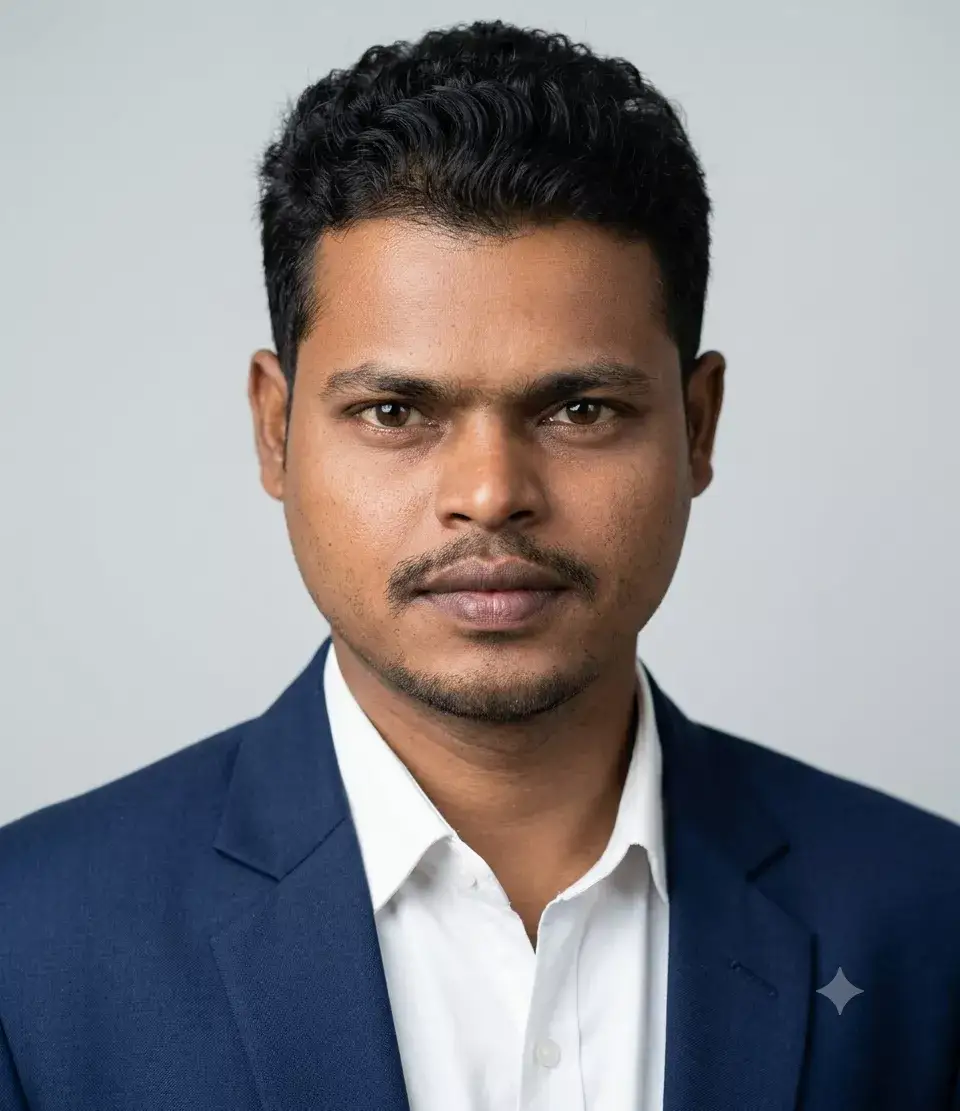
Executive Boardroom Portrait
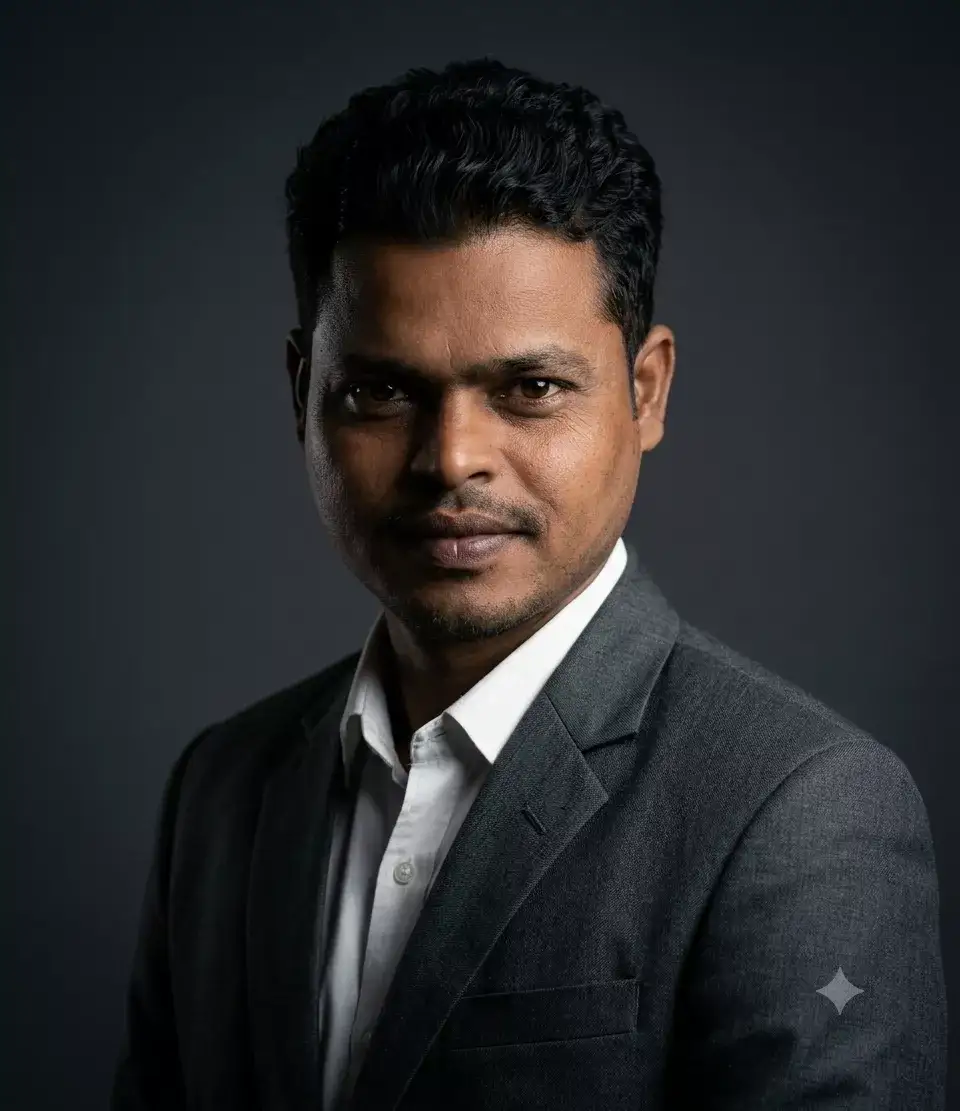
LinkedIn Default Headshot
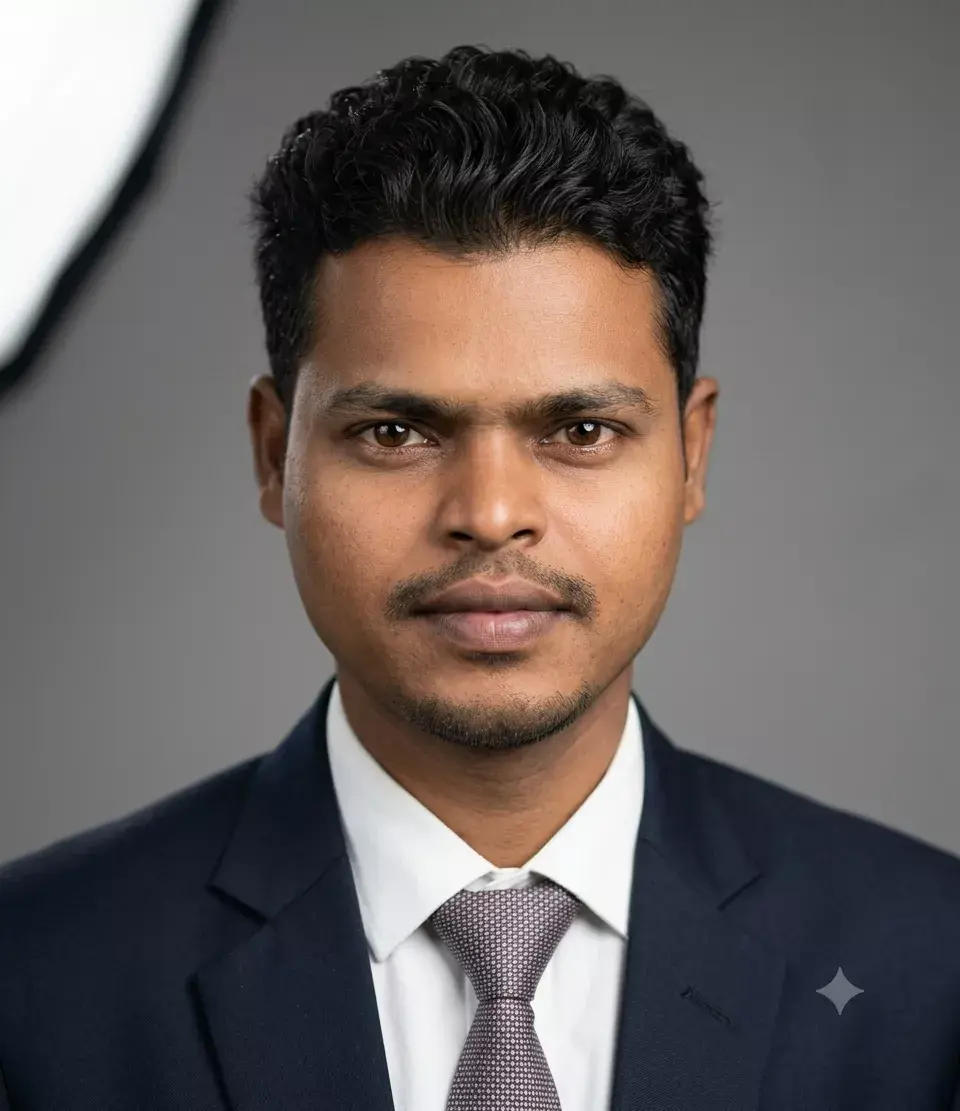
Modern Minimalist Headshot
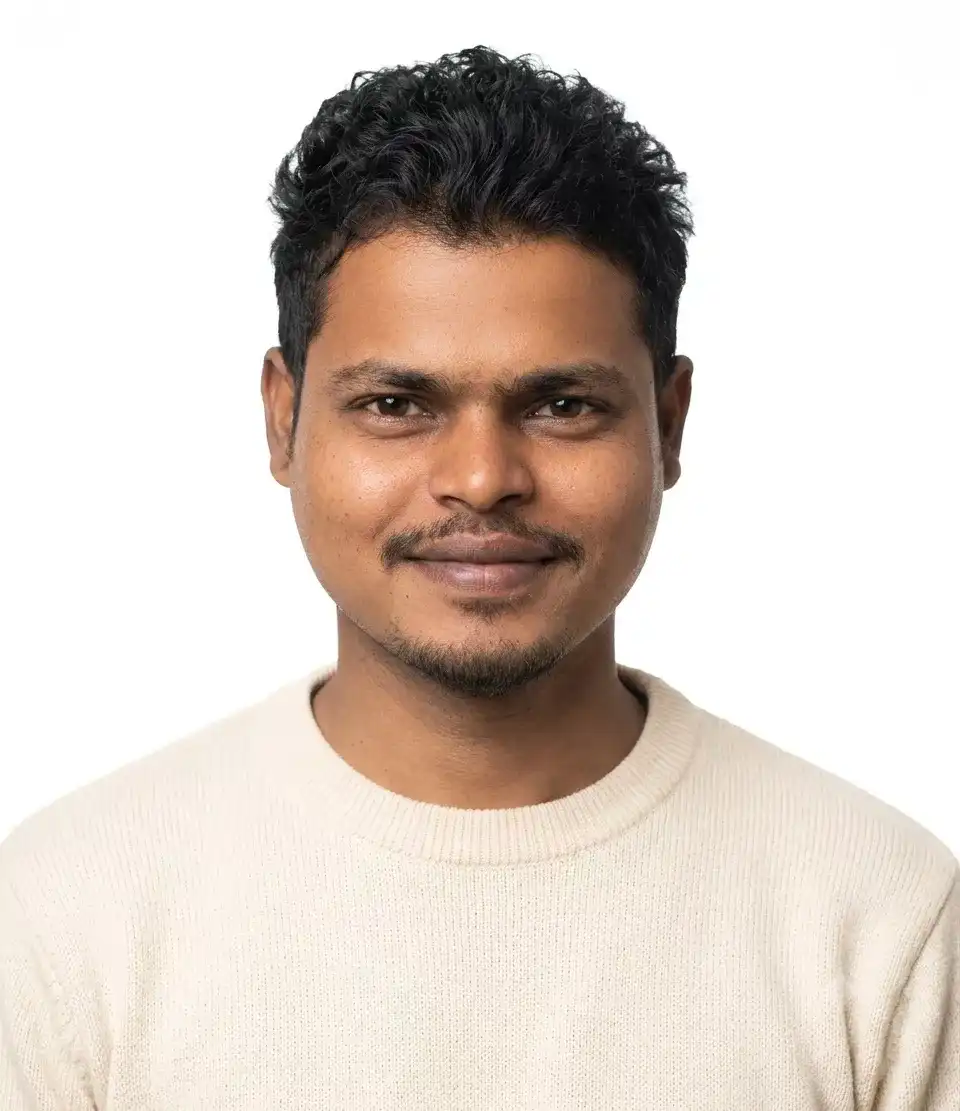
Gemini Nano Banana Prompt
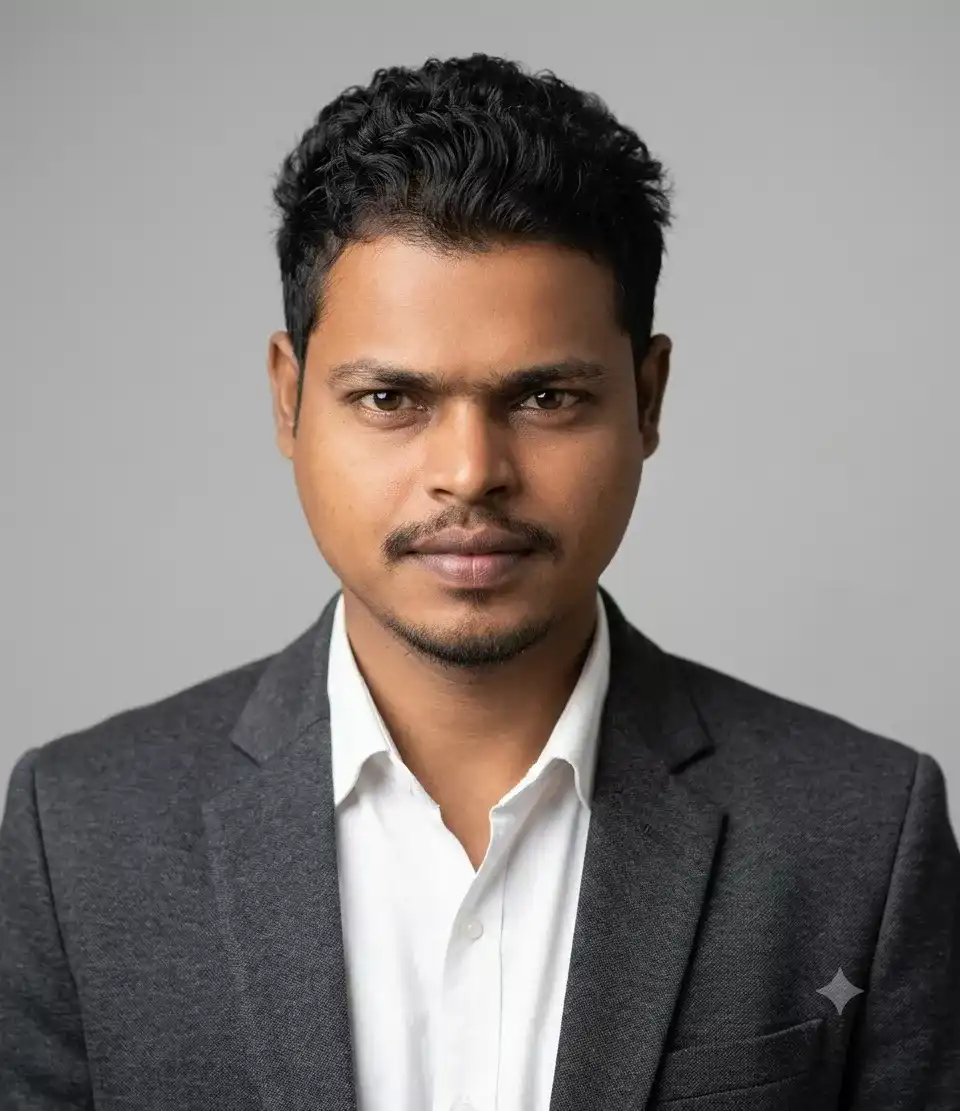
ChatGPT Corporate Headshot
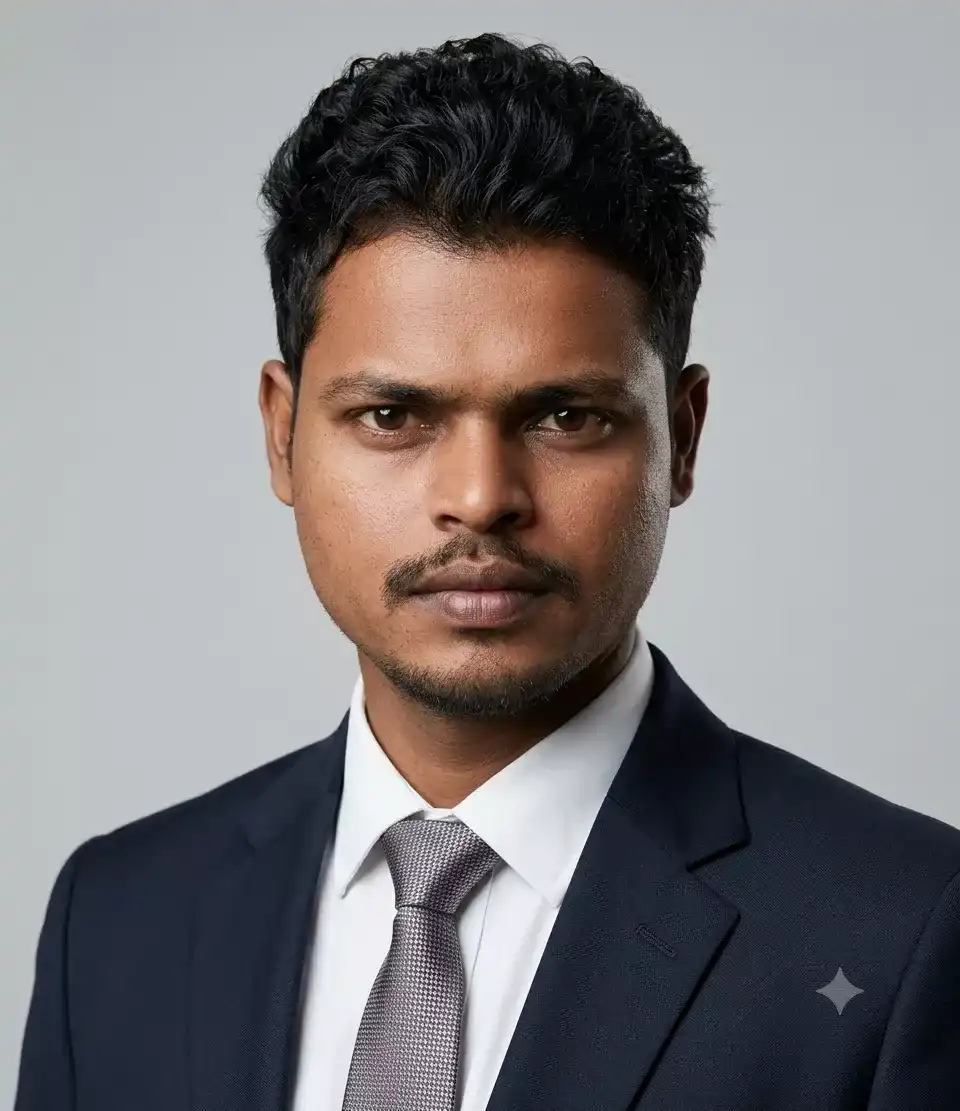
Outdoor Business Portrait
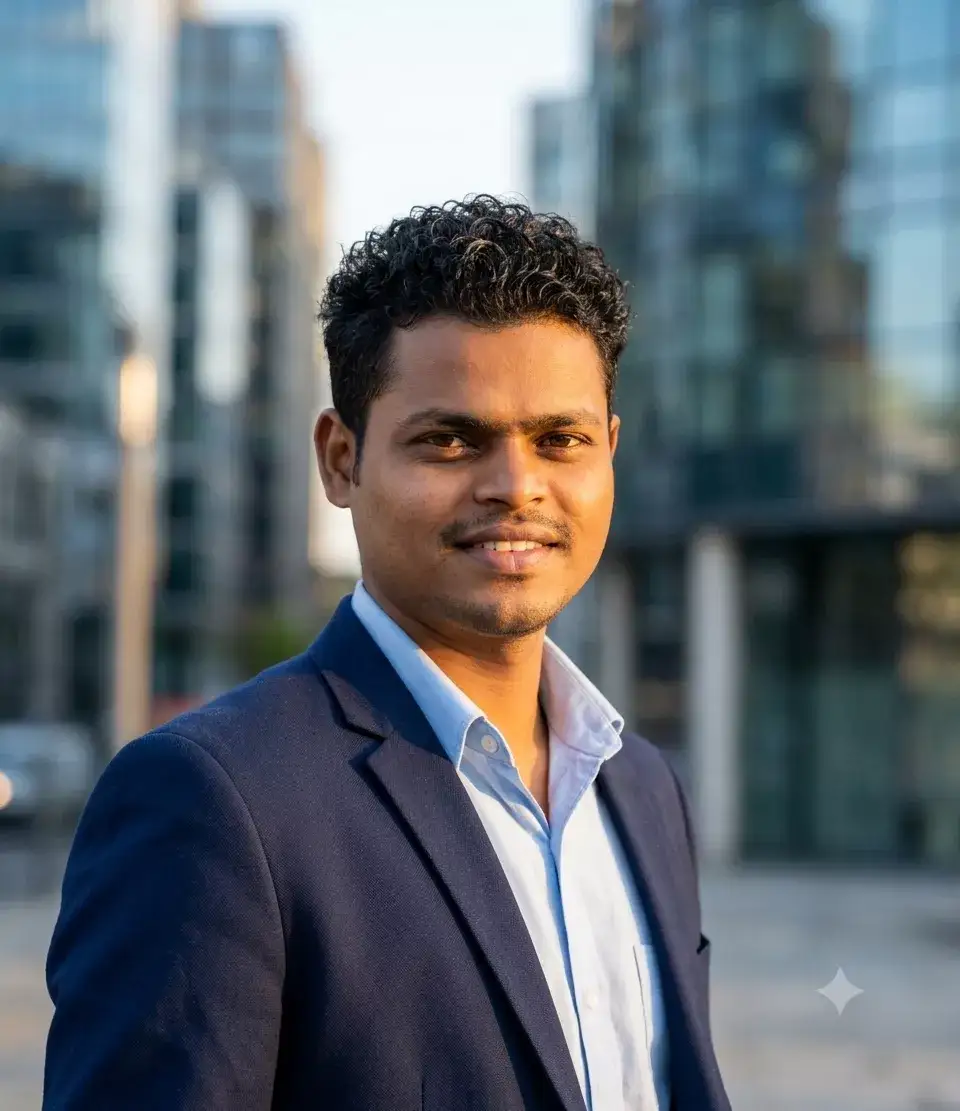
Creative Professional Headshot
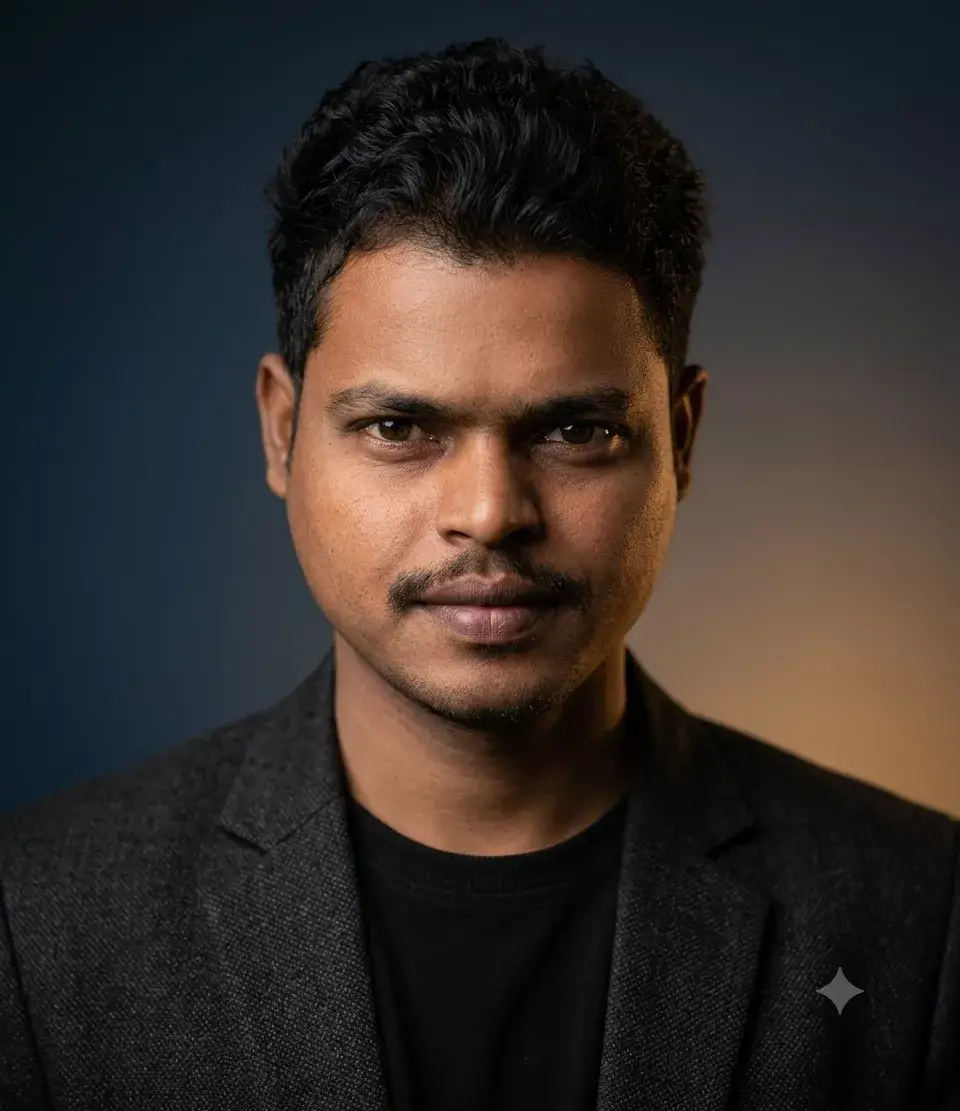
In prompts ko copy karein, apni details add karein (umra, gender, hair colour, skin tone), aur apna AI headshot generate karein.
Related Prompt
- Gemini AI LinkedIn Profile Photo Prompts
- Trending AI photo Editing Prompt
- Gemini AI Photo Editing Prompt
- ChatGPT Photo Editing Prompts
- AI Selfie Prompt
Gemini mein Headshot kaise generate karein?
Gemini (Google ka AI tool) ne recently Nano Banana feature launch kiya hai jo simple smartphone photos ko studio-style portraits mein transform karta hai. Yeh kaise karein:
Step 1: Ek clear photo lein – natural light mein, face directly camera ki taraf, sunglasses ya filters nahi
Step 2: Gemini open karein, “Tools” click karein, phir “Create images” select karein
Step 3: “Thinking” mode on karein (bottom left)
Step 4: Upar diye gaye prompts mein se koi copy karein aur paste karein
Step 5: Generate karein aur result check karein
Gemini ka Nano Banana feature khaas hai kyunki yeh aapki exact facial structure preserve karta hai. Gemini Pro model use karein, Flash model nahi – Pro version better results deta hai.
Important: Gemini-generated images pe watermark add karta hai bottom-right mein, toh dhyan rakhein.
ChatGPT se Professional Photo kaise banayein?
ChatGPT bhi ab AI image generation support karta hai. ChatGPT mein professional headshot generate karne ke liye:
Step 1: 4 simple photos upload karein (different angles)
Step 2: “Thinking” mode on karein (ChatGPT 5.5 mein)
Step 3: Prompt copy-paste karein – “a corporate headshot of this person” ya zyada specific: “Use the attached image as the exact facial reference. Create a hyperrealistic professional studio editorial portrait that preserves the person’s facial identity, proportions, expression, and natural features.”
Step 4: Generate karein aur refine karein
Mera experience: ChatGPT grooming details (beard, hair texture) ko better preserve karta hai, jabki Gemini cleaner, softened look deta hai. Dono try karein aur jo aapke professional look ke liye better lage, use karein.
AI Headshot mein common mistakes aur unhe kaise avoid karein?
AI se professional headshot banate waqt yeh common mistakes hoti hain:
Mistake 1: Vague Prompt
Sirf “professional headshot” likhna kaafi nahi. Specific hona padta hai – lighting, background, lens, sab mention karein.
Mistake 2: Plastic Skin Look
Agar prompt mein “smooth” ya “no texture” jaise words hain, toh AI image plastic doll jaisi lagti hai. Hamesha “natural skin texture” aur “visible pores” add karein.
Mistake 3: Wrong Source Photo
Blurry ya low-light photo upload karte ho toh AI headshot bhi blurry aayega. Upload a clear selfie with good lighting.
Mistake 4: Over-editing
AI ko zyada retouch karne do toh aap pehchanne layak nahi rahte. Prompt mein “preserve facial features” zaroor likhein.
Mistake 5: Wrong Background
Busy background se focus distract hota hai. Neutral studio background ya light gray studio background use karein.
AI Headshot vs Traditional Photography – kya farak hai?
Traditional professional photography:
- ₹2000-₹15000+ kharcha
- Studio jaana padta hai
- Photographer ke saath coordination
- Multiple reshoots possible nahi
- Time lagta hai (1-2 din)
AI headshot:
- ₹0-₹3000 (depending on tool)
- Ghar baithe generate karein
- Multiple variations try kar sakte hain
- Headshot in seconds generate ho jata hai
- 24/7 available
AI perfect hai quick refreshes, role pivots, aur first-job portfolios ke liye. Par traditional photography still best hai hero brand shoots aur senior leadership pages ke liye. Dono ki apni jagah hai.
Professional Prompts for LinkedIn Headshot ke liye final tips
Yahan kuch final tips hain jo aapke professional headshot ko next level le jayengi:
- Directly at the camera dekhein – eye contact important hai
- Confident expression rakhein – subtle smile kaafi hai
- Studio lighting use karein – soft studio lighting best hai
- 85mm lens mention karein prompt mein – yeh bokeh effect deta hai
- Neutral background – light gray ya beige best hai
- Blazer pehne – charcoal suit ya navy blazer professional lagta hai
- Crisp white shirt – classic corporate look
- Shallow depth of field – background blur ho jata hai, focus face par rehta hai
- Sharp focus on the eyes – eyes clear hone chahiye
- Multiple variations generate karein aur best choose karein
Bullet Point Summary – Yaad Rakhein!
- AI headshot aapki simple selfie ko professional photo mein transform karta hai minutes mein
- Achha prompt = achha AI headshot – specific hona zaroori hai (subject + framing + wardrobe + background + lighting + camera details)
- 8 prompts diye gaye hain – copy karein, apni details add karein, aur generate karein
- Gemini ka Nano Banana aur ChatGPT dono excellent options hain – dono try karein
- Hamesha “natural skin texture” aur “no smoothing” add karein prompt mein – plastic look se bachein
- 85mm lens, shallow depth of field, soft studio lighting, neutral background – yeh keywords professional headshot ke liye must hain
- LinkedIn profile ke liye professional headshot 14x more views deta hai – invest karein apne professional look mein
- AI headshots traditional photography ka replacement nahi, but ek affordable, quick, aur accessible alternative hai
- Use AI wisely – apni best selfie upload karein, specific prompt likhein, aur multiple options generate karein
