Ganesh Chaturthi paas aate hi mandal, youth group aur puja committees ek hi sawal poochte hain: logo kaisa banayein jo alag bhi lage aur respectful bhi. Agar aap Canva ya designer ke bina ek achha Ganpati logo chahte hain, to ek clear Ganesh logo prompt likh kar AI image tool se kaam kaafi had tak chal jaata hai. Is article mein ready prompts, ek reusable formula, aur AI ki limitations- sab kuch practical tarike se cover kiya gaya hai.
Ganesh Logo Prompt: Copy and Paste
Neeche kuch quick-start prompts diye hain jo directly copy karke kisi bhi AI image generator mein paste kiye ja sakte hain.
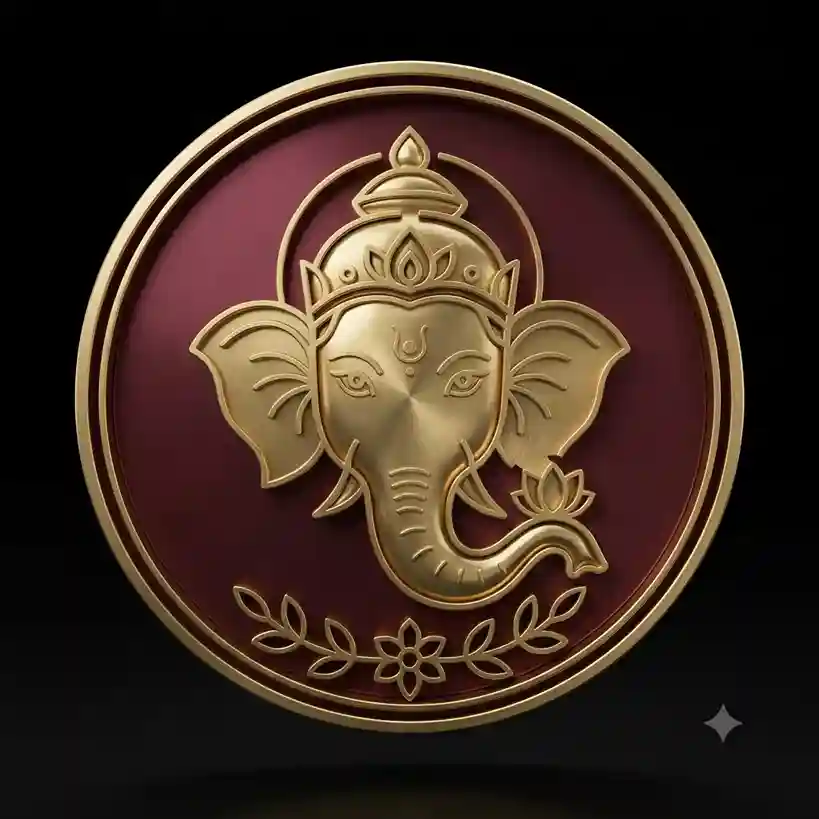
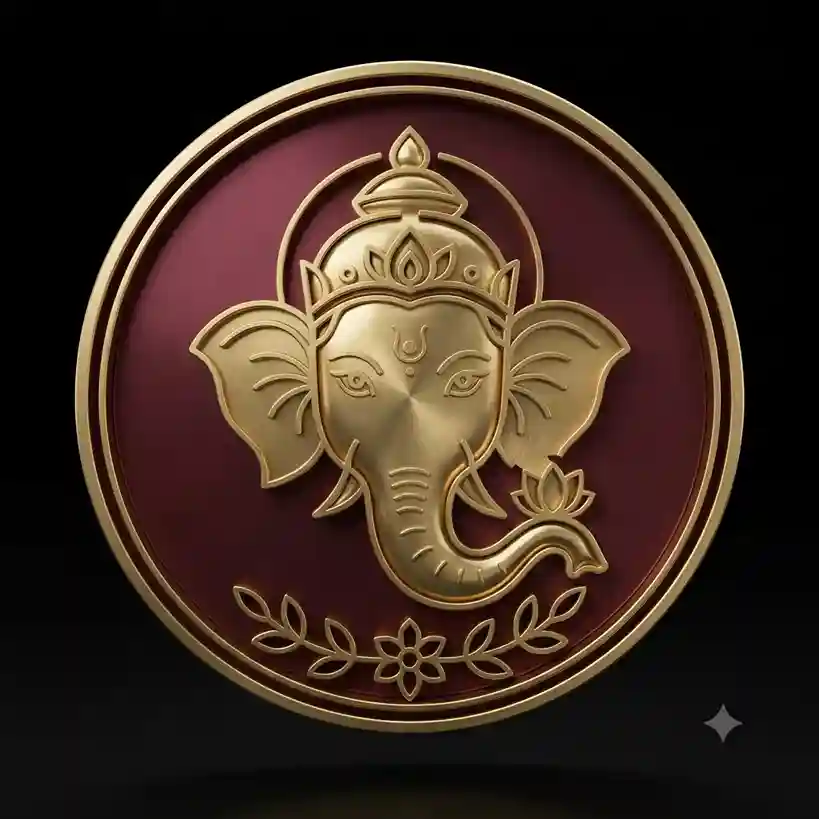
Ganesh Logo Prompts for AI Image Generation
Har category ka apna use-case hai; kisi ko mandal ke liye traditional feel chahiye, kisi ko youth group ke liye energetic look. Neeche categories ke hisaab se original prompts diye gaye hain.
3D Ganesh Logo Prompt
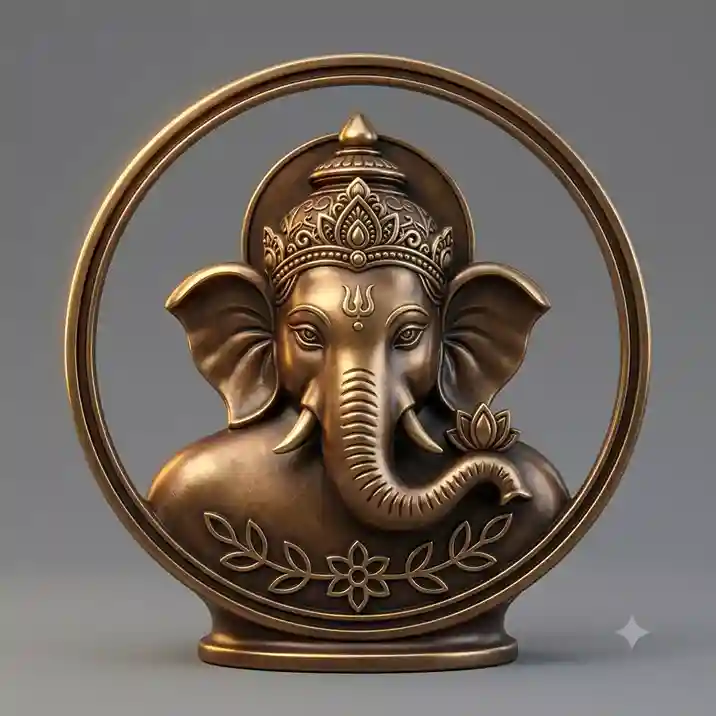
Ganesh Logo 3D Circle Prompt
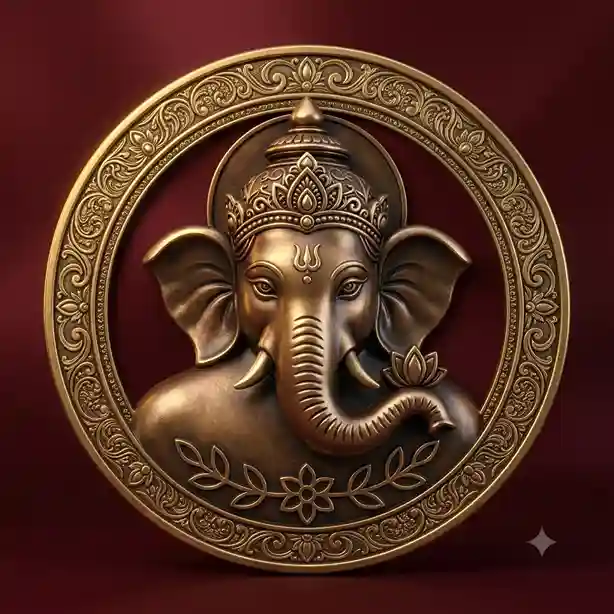
Golden Ganesh Logo Prompt
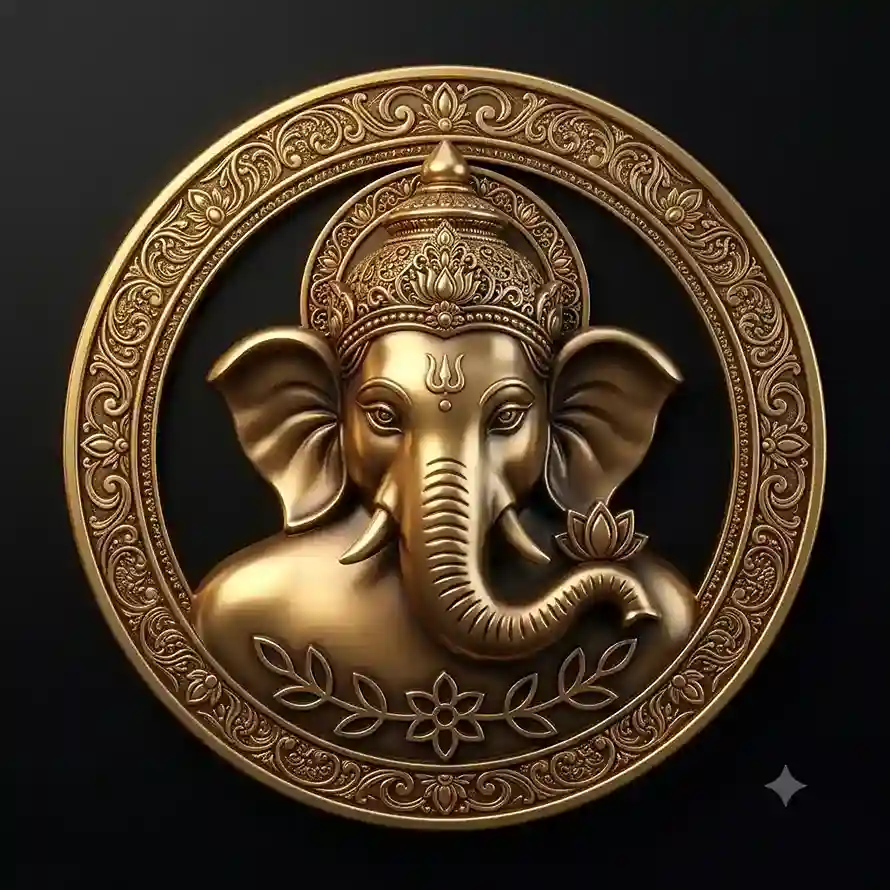
Ganesh Mandal Logo Prompt
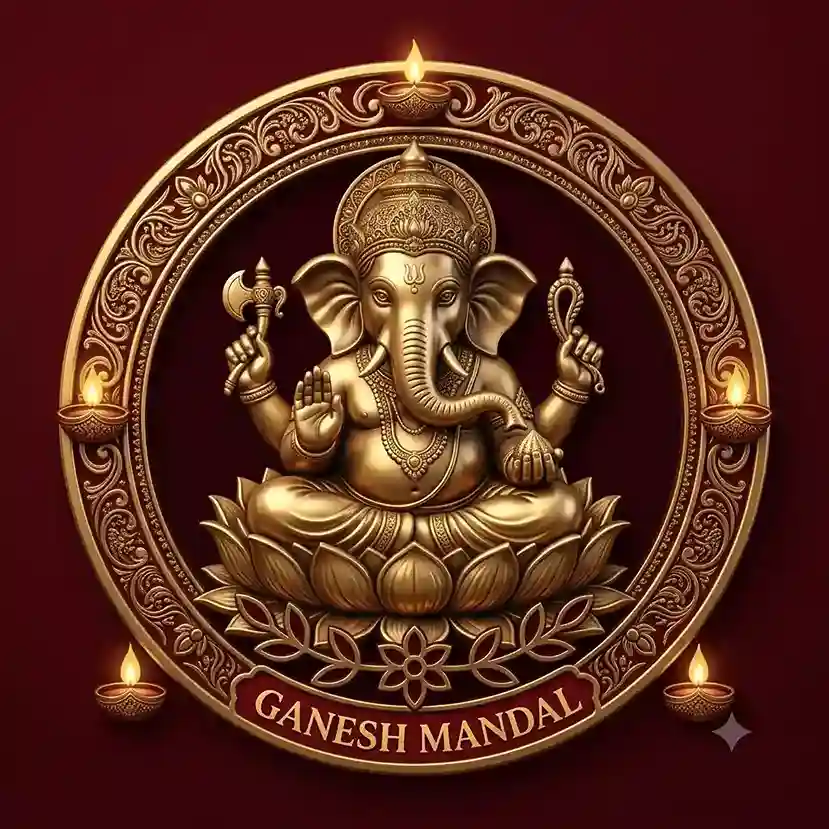
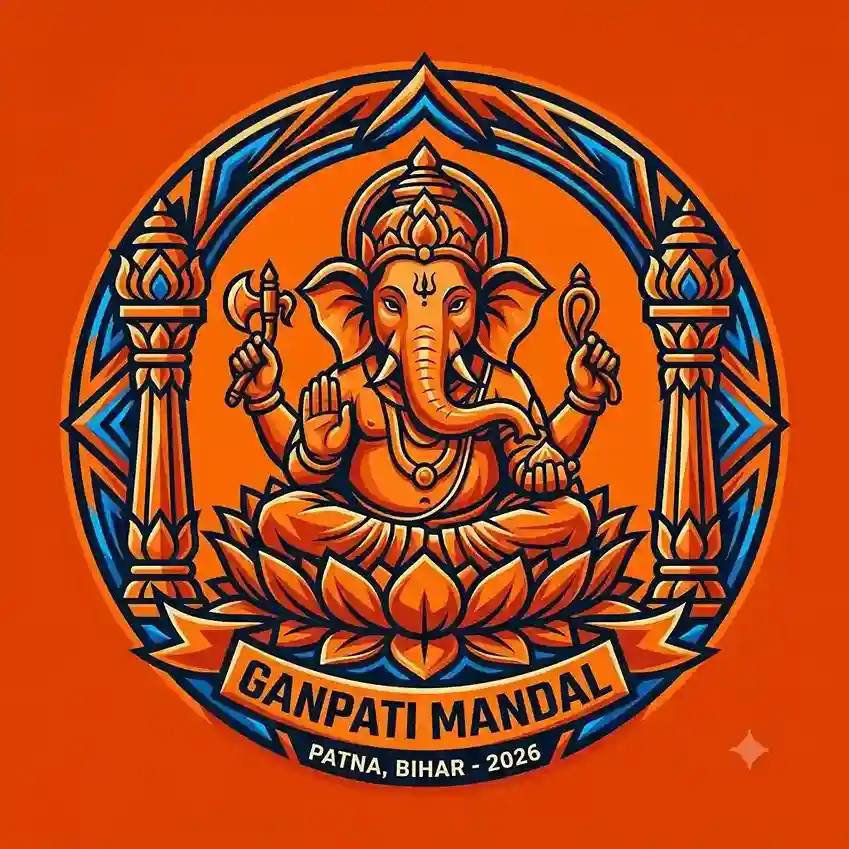
Ganpati Mandal Logo Prompt
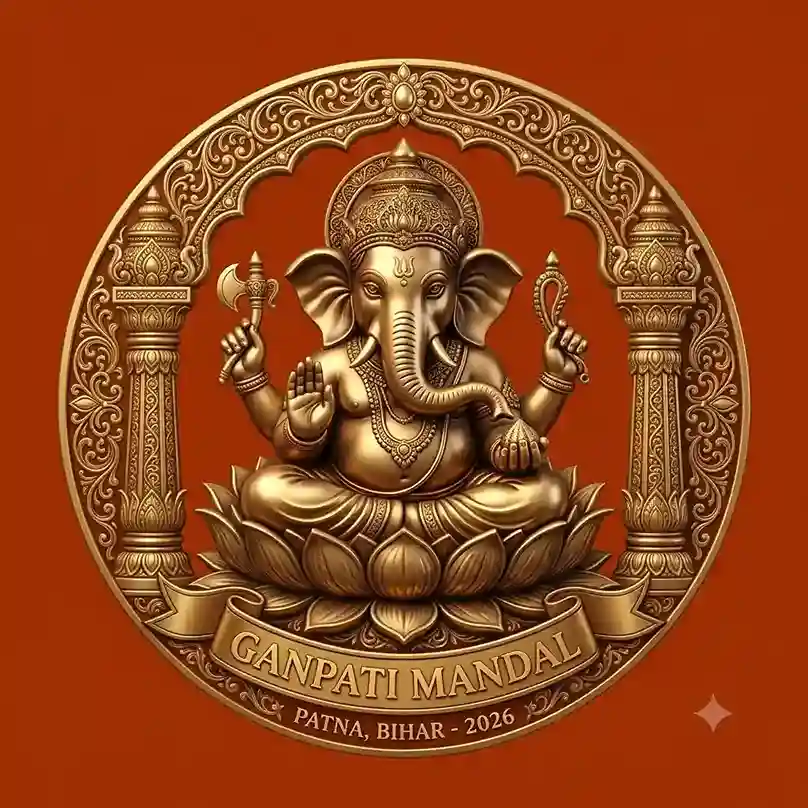
Ganesh Youth Logo Prompt
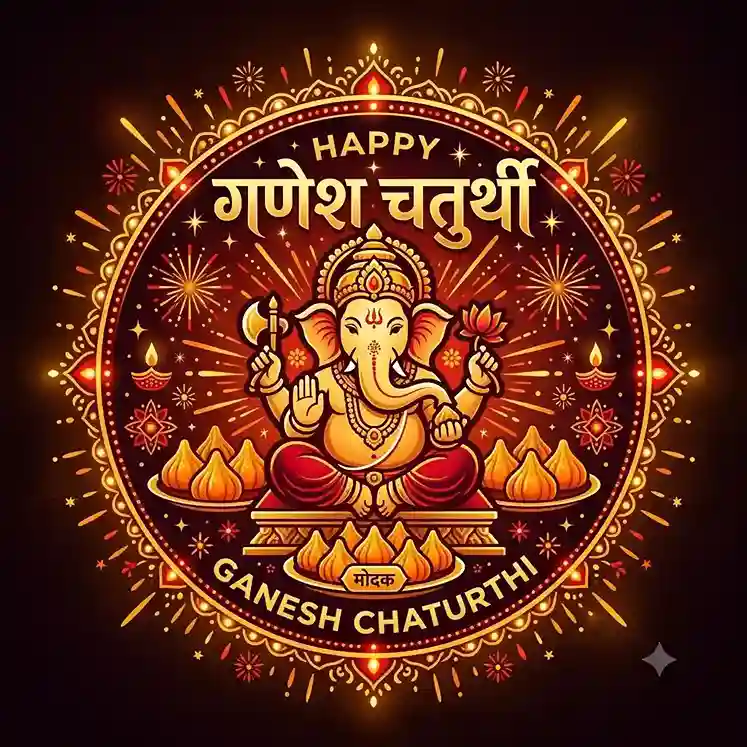
Ganesh Chaturthi Logo Prompt
Ye prompts alag-alag mood aur use-case cover karte hain, inhe as-it-hai use karein ya apni need ke hisaab se colors/shape badal lein.
Ganesh Logo Prompt Generator: Apna Khud Ka Prompt Banayein
Agar upar diye gaye prompts se exact match nahi mil raha, to ek simple formula follow karke khud ka prompt bana sakte hain. AI image tools essentially prompt-driven design generators hain — jitna specific input, utna better output.
Formula:
Subject + Shape + Style + Colors + Typography (optional) + Lighting/Material + Background + Composition
Example structure:
Create a [style] Ganesh logo featuring [Ganesha concept], enclosed in [shape], using [color palette], with [lighting/material details], on a [background type], with symmetrical, professional logo composition
Bas [brackets] mein apni requirement daal dein, jaise style mein “minimalist” ya “3D metallic”, shape mein “circular badge” ya “square icon”, aur colors mein “saffron and gold”. Yehi ek reliable Ganesh logo prompt generator ki tarah kaam karta hai bina kisi extra tool ke.
Ganesh Logo Prompt for ChatGPT
ChatGPT ke image-capable workflow mein prompt use karna simple hai, lekin har plan/model mein image generation exactly same tarike se available nahi hota; apne current plan ke features check kar lein.
- Image-generation capability wale chat mein jaayein.
- Upar diya koi bhi prompt paste karein.
- Apni specific requirement add karein (colors, mandala name space, etc.).
- Generate karein.
- Output dekh kar refine karein, jaise “make the outline thicker” ya “remove the background clutter”.
- Additional variations mangwa lein taaki compare karke best choose kar sakein.
Agar aap apne reference image ka use karke photo edit karna chahte hain to humara ChatGPT Photo Editing Prompts ko ek bar jarur check karein.
Ganesh Logo Prompt PNG
“PNG” aur “transparent background” do alag cheezein hain. PNG sirf ek file format hai; usme background transparent ho, zaroori nahi. Agar aapko transparent background chahiye, to prompt mein clearly likhein: “transparent background”. Kuch tools ise support karte hain, kuch nahi. Agar tool support nahi karta, to output ka background baad mein manually remove karna padega.
Ek aur important baat: AI se mila output usually raster image hota hai, professional vector logo nahi. Agar aapko print ya large banner ke liye scalable vector chahiye, to final design ko kisi vector tool (jaise Illustrator ya Inkscape) mein recreate karwana better rahega.
Ganesh Logo Prompt PDF
Is article mein koi downloadable PDF file provide nahi ki gayi hai. Agar aapko prompts ko PDF format mein save karna hai, to simple tarika ye hai: article ke prompt text ko copy karke kisi bhi document/PDF export tool (Google Docs, Word, ya online converter) mein paste kar lein aur PDF ke roop mein save kar lein.
AI-Generated Logo vs Professional Brand Logo
AI-generated logo fast concept creation ke liye achha hai, kai visual ideas jaldi mil jaate hain, aur ye social media ke liye kaafi use ho jaata hai. Lekin text aur geometry mein kabhi-kabhi inconsistencies aa jaati hain.
Professional logo workflow isse different hota hai: vector design, exact typography, consistent geometry, scalable formats aur proper brand guidelines isme shaamil hote hain, jisme manual refinement bhi hota hai. Agar logo sirf ek event ya social post ke liye chahiye, AI kaafi hai. Agar ye mandal ki permanent identity banni hai, to final polish ek designer se karwana behtar rahega.
Conclusion
Ek achha Ganesh logo banane ke liye zyada complicated tool ki zaroorat nahi, bas prompt mein shape, style, colors aur composition clearly define karna hota hai. Upar diye gaye prompts se start karein, apni mandal ya event ki need ke hisaab se customize karein, aur final design ko publish karne se pehle ek baar manually check kar lein, especially text aur colors.
