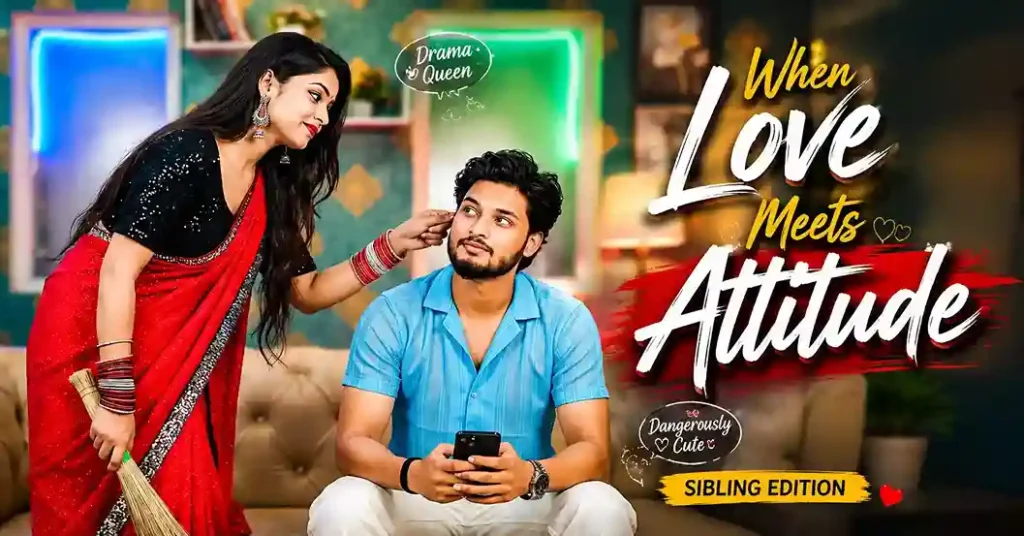
Aapke phone mein hazaron photos hain. Lekin unme se kitni hain jo aap proudly Instagram par daal sakein, ya frame karke ghar mein lagaa sakein?
Sach toh yeh hai, hamare paas bahut si photos hain lekin wo “wow” wala feel nahi hoti. Woh moment real tha, woh connection sachcha tha, lekin phone camera ne uski puri khoobsurati capture nahi ki.
Aur jab baat ho Anna-Thangachi ke rishte ki, Tamil mein bade bhai aur chhoti behen ke us sacred bond ki, toh ek aam photo unhe justify nahi karti.
Yahi wajah hai ki Best Anna Thangachi Photo Editing Prompts itni tezi se viral ho rahi hain.
Yeh sirf image generate karne ki baat nahi hai. Ai Image prompts ek step aage hain, yeh aapki uploaded original photo ko leke usse transform, enhance, aur emotionally elevate karte hain. Aapki asli photo mein AI lighting daal deta hai. Aapki simple selfie ko temple background mil jaata hai. Aapki blurry bhai-behen ki snap ek cinematic memory ban jaati hai.
Is guide mein aapko milenge, unique, hand-crafted photo editing prompts, har mood, occasion, aur style ke liye
Editing aur generation prompts ka farq samajhne ka asaan tarika, proven tricks jo aapke har prompt ko upgrade karein. Outfit descriptors ka full glossary, sirf copy karke use karein.
Toh apni sabse pyaari Anna-Thangachi photo dhundhiye, aaj hum use immortal banate hain.
Photo Editing Prompt Aur Image Generation Prompt Mein Fark Kya Hai?
Yeh confusion bahut logon ko hoti hai, isliye pehle yeh clear kar lete hain:
| Zarooratein | Image Generation Prompt | Photo Editing Prompt |
|---|---|---|
| Kya karta hai | Scratch se naya image banata hai | Aapki uploaded photo ko edit/transform karta hai |
| Photo ki zaroorat | Nahi (optional reference) | Haan upload karna zaroori hai |
| Face accuracy | Lower (completely AI-generated) | Higher (original face preserve hoti hai) |
| Best for | Artistic creations, fictional scenes | Real memories, personal portraits |
| Kahan use karein | Poster design, fantasy edits | WhatsApp DP, Instagram posts, gifting |
Simple bhasha mein: Agar aap chahte hain ki aapka asli chehra result mein aaye, toh photo editing prompt use karein. Agar ek completely new artistic creation chahiye, toh generation prompt use karein.
Is post mein hum photo editing prompts par focus karenge, matlab aapki uploaded photo ko base banake editing karenge.
Best Photo Editing Tools For Anna Thangachi Prompts
Pehle sahi tool choose karna zaroori hai:
| Tool | Photo Editing Support | Face Preservation | Free? | Difficulty |
|---|---|---|---|---|
| ChatGPT GPT-4o | Excellent | Very Good | Free + Paid | Easy |
| Google Gemini | Excellent | Best-in-class | Free | Easy |
| Adobe Firefly | Good | Good | Free credits | Medium |
| Dreamina (CapCut) | Good | Decent | Free | Easy |
| Canva AI | Decent | Moderate | Free + Paid | Easy |
| Midjourney | Advanced | With –cref | Paid | Hard |
| Stable Diffusion (img2img) | Best control | Best-in-class | Free | Hard |
Recommendation: Pehli baar try kar rahe hain? Google Gemini se start karein, face preservation best hai aur bilkul free hai. Ek step aage jaana ho toh ChatGPT GPT-4o try karein.
Best Anna Thangachi Photo Editing Prompts
Yeh prompts aapki aam photo ko ek full cinematic look dete hain, jaise kisi bade Tamil director ki film ka poster. Yeh prompts unke liye hain jo kisi beet gaye pal ko dobara zinda karna chahte hain. Yeh prompts specifically Instagram, WhatsApp, aur Reels ke liye optimize hain.
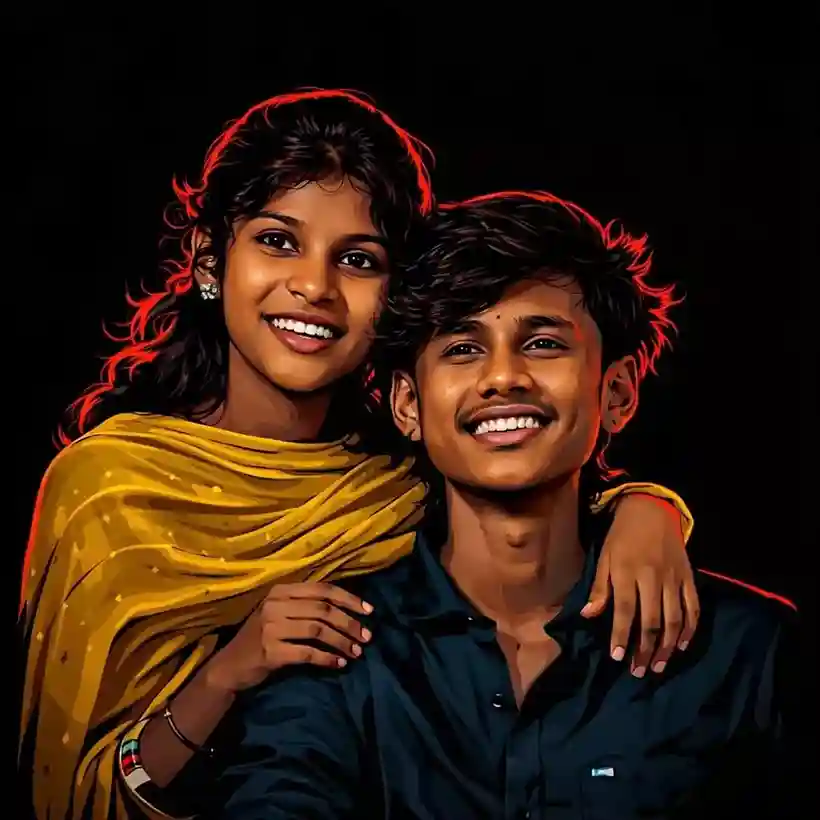
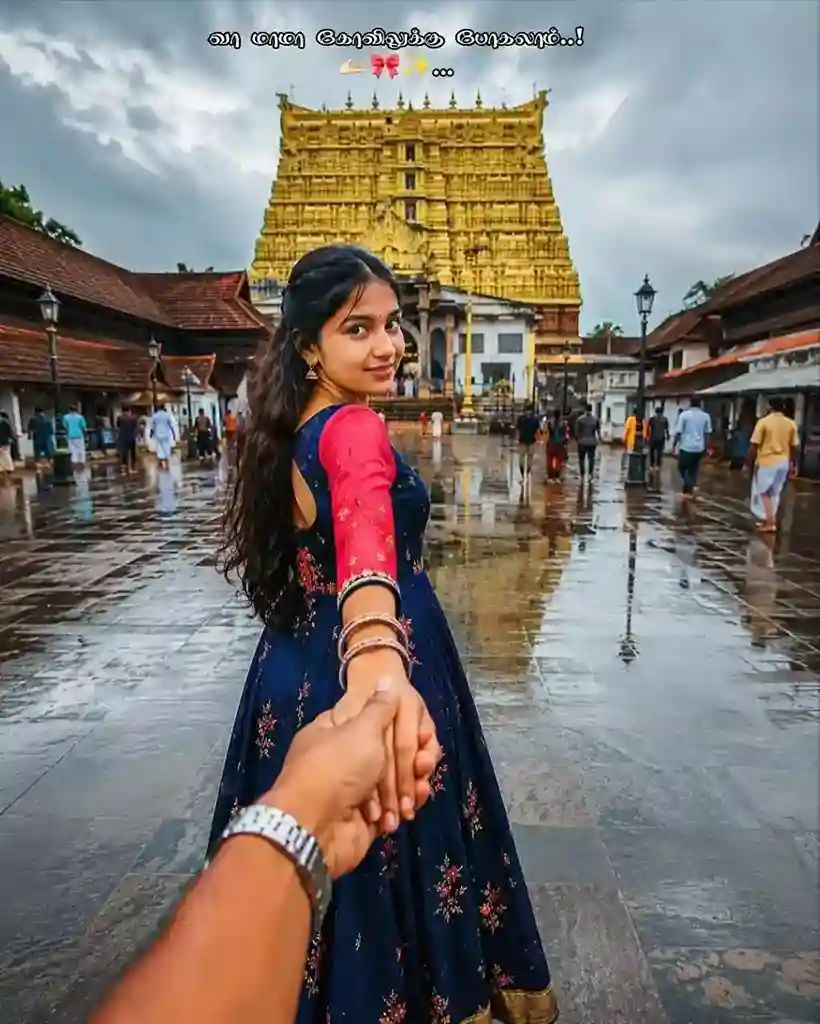
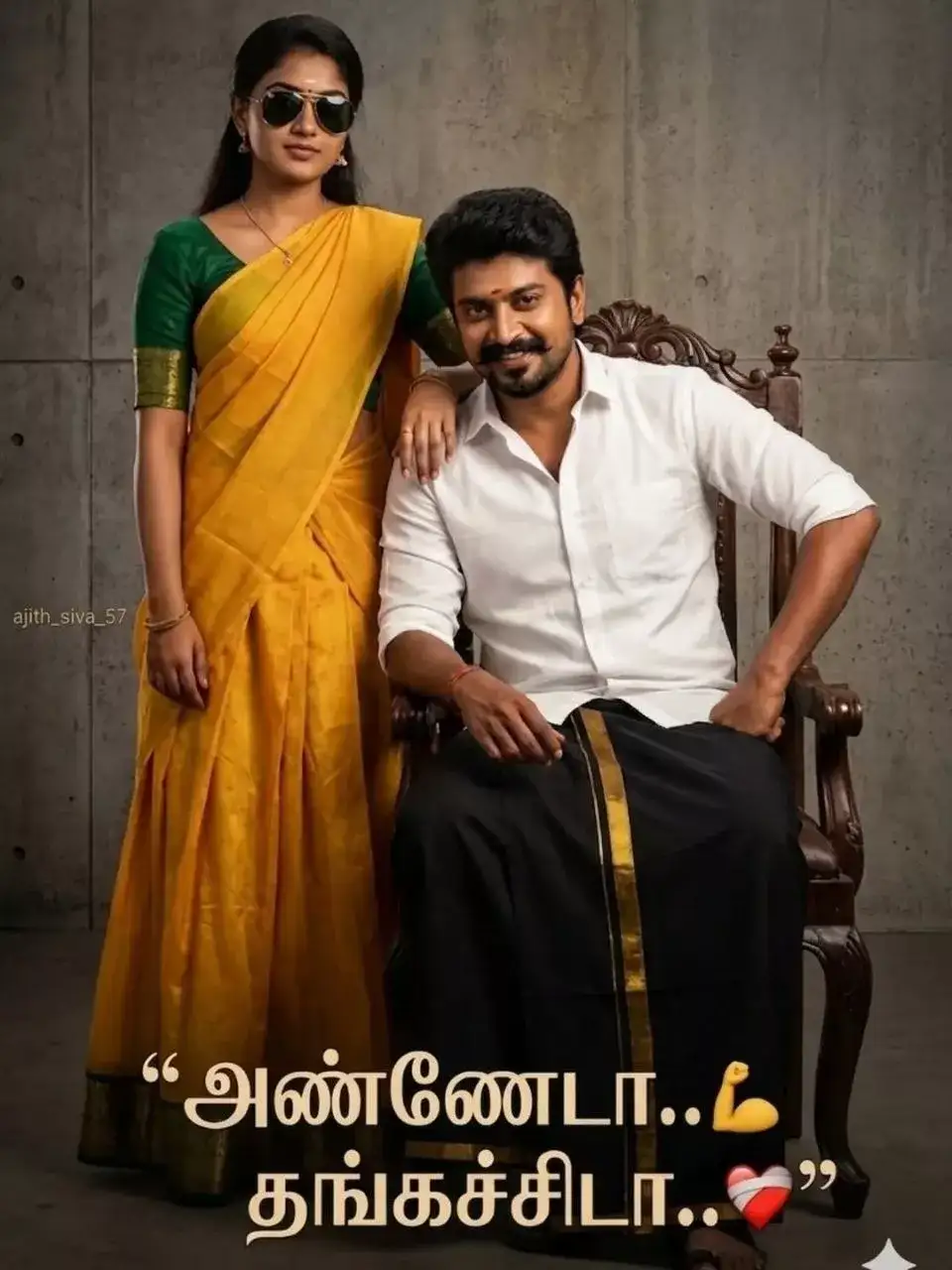
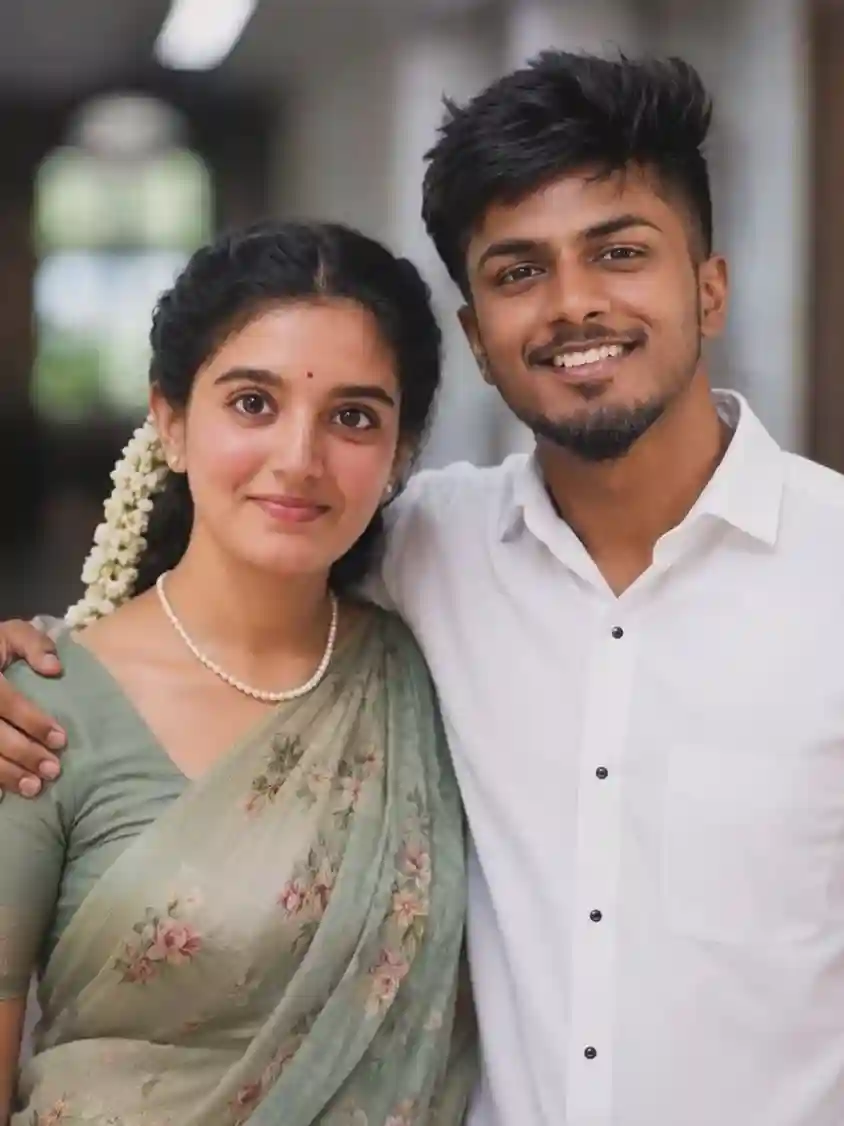
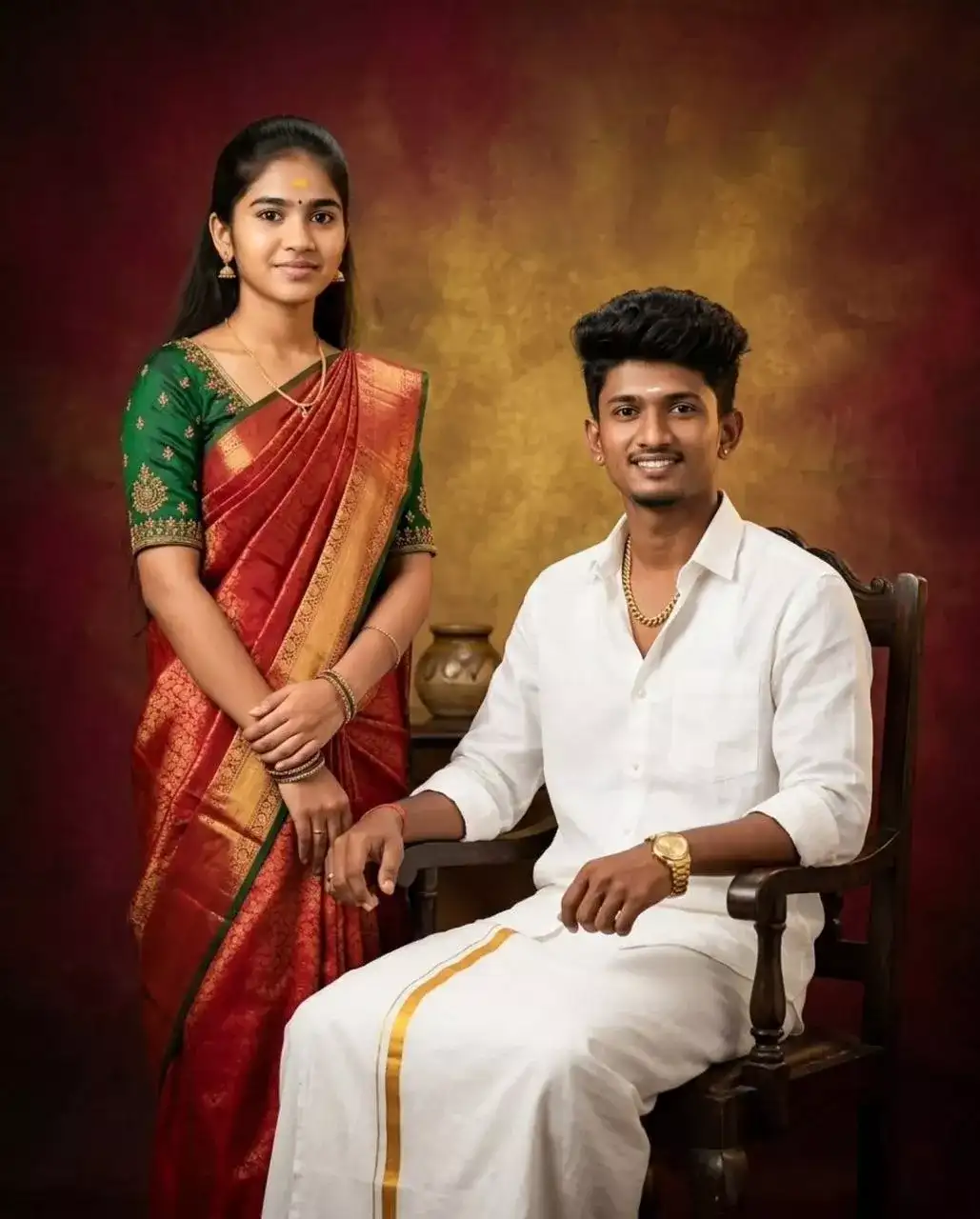
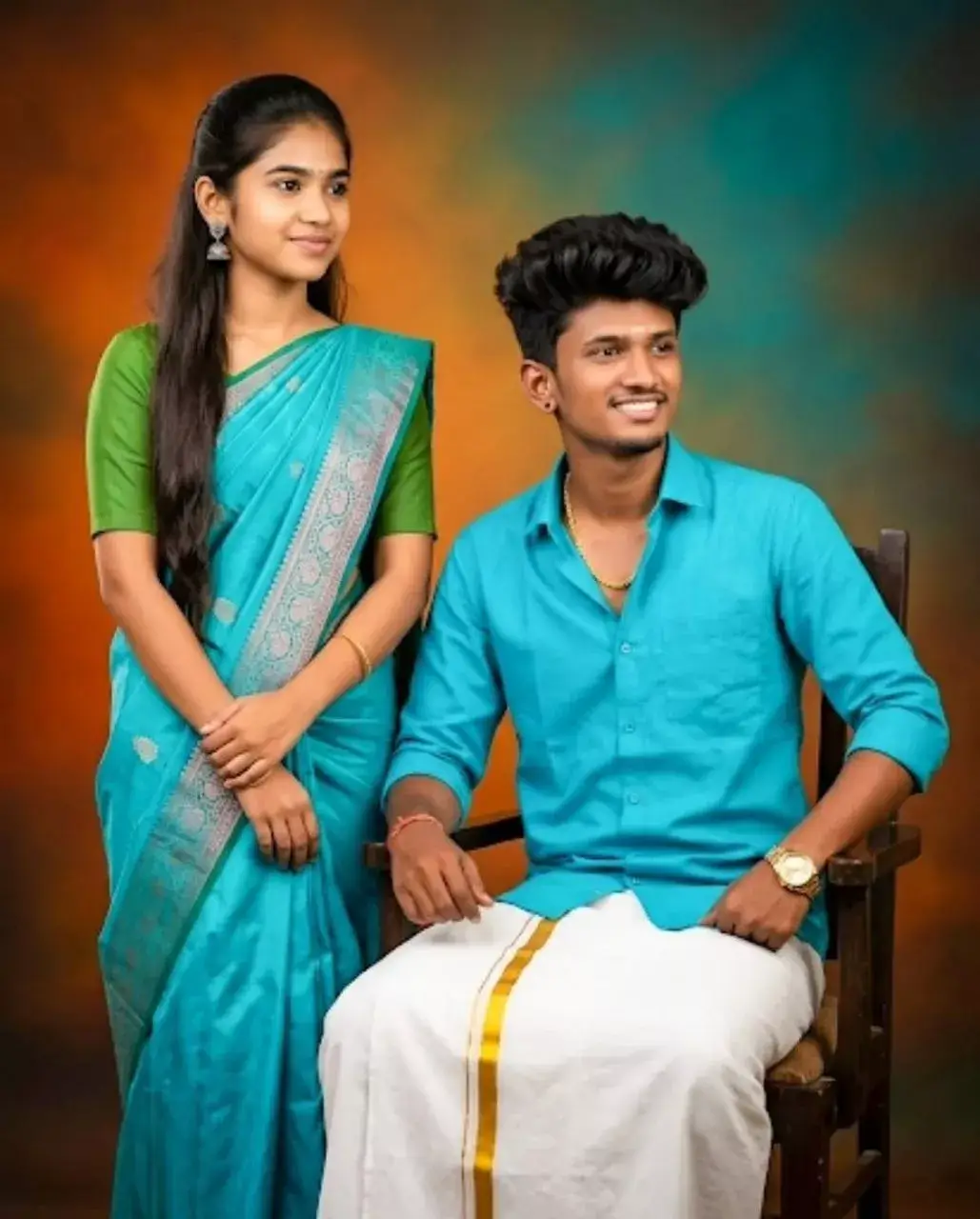
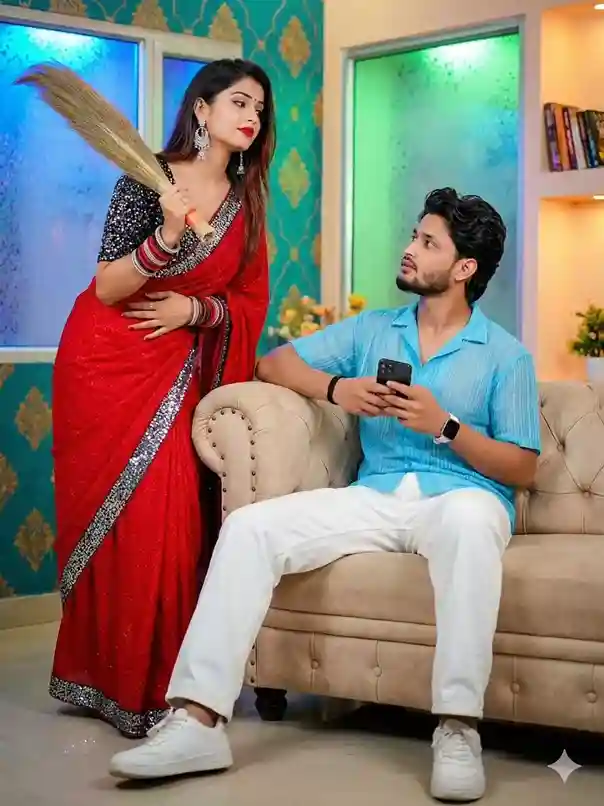
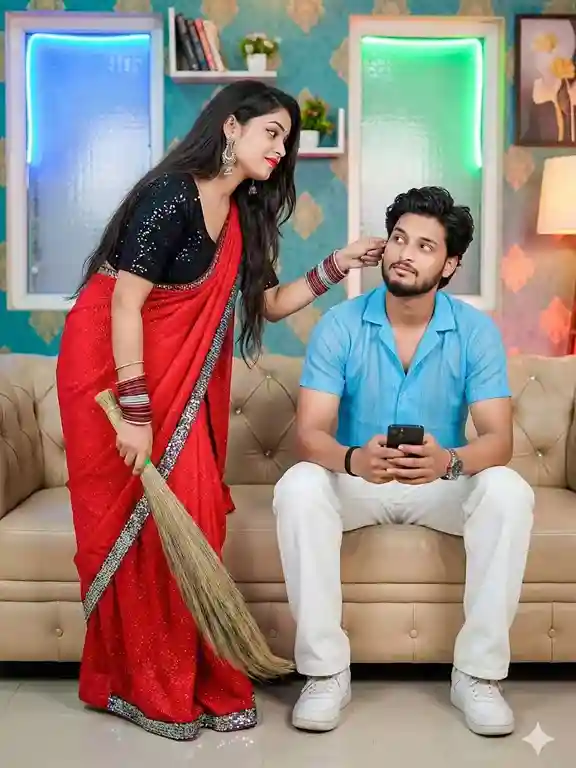
Agar aap upar diye gaye prompt ko aur behatar banana chahte hai, to humara Prompt Optimizer aur Negative Prompt Generator ka use kar sakte hai.
Related Post
Anna Thangachi Instagram Reel Prompt Ideas
Editing Prompt Ko Powerful Banane Ke 8 Tricks
Ek achhe prompt aur ek great prompt mein yahi 8 fark hota hai:
Trick 1: “Edit” ya “Transform” se shuru karein
Sirf yeh ek word AI ko batata hai ki aap original photo preserve karna chahte hain, nayi nahi banani. Hamesha likho: “Edit the uploaded photo…” ya “Transform the uploaded photo…”
Trick 2: Face lock statement kabhi mat bhoolo
Yeh sentence golden hai, ise har prompt ke end mein zaroor add karein:
“Preserve original faces exactly. Do not alter facial structure, features, or expressions.”
Trick 3: Background swap instructions specific dein
“Change the background”, yeh weak instruction hai. “Replace the existing background with a Tamil Nadu village at golden hour, coconut palms, red mud path, warm evening light casting shadows on the ground”, yeh powerful instruction hai.
Trick 4: Lighting specify karein, hamesha
Lighting mood sab kuch decide karta hai. Yeh options use karein:
- Soft Rembrandt studio lighting
- Warm golden-hour sunlight from the left
- Dramatic chiaroscuro (one side bright, one side dark)
- Cool diffused overcast outdoor light
- Festive warm amber diya/lamp glow
Trick 5: Outfit enhancement alag se describe karein
Sirf “traditional outfit add karo” mat likhein. Specific details dein:
“Digitally enhance the sister’s outfit to a deep teal Kanchipuram silk saree with gold zari border, layered gold temple jewellery including maathu, necklace, and bangles. Fresh white jasmine flowers in hair.”
Trick 6: Color grading specify karein
AI ko color tone guide karein:
- Warm amber-gold grade (festive, emotional)
- Teal-orange cinematic split tone (dramatic)
- Muted desaturated vintage (nostalgic)
- Rich jewel tones (regal, artistic)
- Cool blue-grey (moody, introspective)
Trick 7: Quality tags hamesha add karein
Prompt ke end mein yeh zaroor add karein:
“Ultra HD, 8K, realistic skin texture, cinematic depth of field, sharp focus on faces, professional retouching quality.”
Trick 8: “Seamless composite” likhein background swap mein
Agar background change kar rahe hain, toh add karein:
“Seamless composite, no visible cutout edges. Lighting on subjects must match the new background realistically.”
Outfit & Styling Ke Liye Best Descriptor Words
Yeh ready glossary hai, apne prompt mein se copy-paste karein:
Sister Ke Liye Traditional Outfits:
- Deep crimson Kanchipuram silk saree with gold zari border
- Vibrant peacock-blue Kanchi silk with temple gold embroidery
- Pale ivory Banarasi saree with dense silver weave
- Bright marigold yellow Pattu Pavadai with red contrast border
- Soft blush pink Mysore silk saree with thin gold border
- Rich emerald green Dharmavaram silk with antique gold motifs
- Classic off-white cotton saree with indigo block print
Brother Ke Liye Traditional Outfits:
- White veermund (dhoti) with gold zari border, crisp white shirt
- Traditional off-white silk dhoti with matching angavastram
- Black veshti with gold border, half-sleeve white kurta
- Ivory silk dhoti with embroidered kurta, traditional sandals
- Navy blue bandhgala suit with pocket square (formal occasions)
- Cream linen sherwani with churidar (wedding/reception)
Jewellery Descriptors (Sister):
- Heavy gold temple jewellery set — maathu, necklace, earrings, bangles
- Antique gold Lakshmi coin necklace with matching earrings
- Temple gold jhumka earrings, thick bangles, nose ring
- Layered gold chain set with ruby stone accents
- Simple gold chain with small pendant, subtle bangles (modern look)
Hair & Accessories:
- Fresh white jasmine flower garland wound through long hair
- Single jasmine braid decoration, red pottu bindi
- Large round traditional bindi, side-parted oiled hair
- Fresh marigold and rose hair pins on side bun
- Modern natural hair with small gold hair clip
Platform-Wise Editing Guide {#guide}
Google Gemini, Best For Face Preservation:
- Step 1: gemini.google.com kholo (free account se kaam chalega)
- Step 2: Chat box mein + icon se clear front-facing photo upload karein
- Step 3: Upar se koi bhi editing prompt copy karein
- Step 4: Prompt ke end mein add karein: “Preserve exact faces from uploaded photo. Do not modify facial features.”
- Step 5: Send karein, 10-20 seconds wait karein
- Step 6: 3-5 baar regenerate zaroor karein, best result choose karein
Pro Tip: Do alag photos (ek bhai ki, ek behen ki) alag-alag upload karne se Gemini face accuracy 40% better ho jaata hai.
ChatGPT GPT-4o, Best For Creative Edits:
- Step 1: chat.openai.com kholo, GPT-4o select karein
- Step 2: + icon se bhai-behen ki photo upload karein
- Step 3: Editing prompt paste karein
- Step 4: Prompt ke saath add karein: “This is a photo editing task, preserve the original faces exactly.”
- Step 5: Generate karein
- Step 6: Follow-up mein likhein: “Make it more cinematic and enhance the lighting”, quality aur improve hogi
Pro Tip: GPT-4o mein ek conversation mein multiple edits kar sakte hain, “Now make the background a temple” ya “Add more dramatic lighting”, yeh iterative editing bahut powerful hai.
Adobe Firefly, Best For Professional Quality:
- Step 1: firefly.adobe.com kholo (free credits available)
- Step 2: “Generative Fill” ya “Image to Image” tool use karein
- Step 3: Photo upload karein
- Step 4: Editing prompt paste karein, Firefly ke liye prompt thoda shorter rakhen (50-80 words)
- Step 5: Generate karein, multiple variations milti hain
Pro Tip: Firefly mein “Style Reference” option se ek mood board image bhi add kar sakte hain — output aur consistent ho jaata hai.
Conclusion
Har photo ek frozen moment hai. Lekin sirf kuch photos woh hoti hain jo dekhnewale ke dil mein ek feeling jagaa dein, ek warmth, ek yaad, ek connection.
Anna-Thangachi ka rishta, Tamil culture ka woh anmol bond jo sirf ek naam se poori ek duniya describe kar deta hai, yeh deserve karta hai kuch aise visuals jo uski sachchi gehraai dikhaayein.
Aur ab Best Anna Thangachi Photo Editing Prompts ki madad se, yeh possible hai. Aapki phone gallery ki koi bhi photo, chahe woh blurry selfie ho, ek aam family occasion ki snap ho, ya ek college farewell ki simple photo, woh sab ek cinematic memory ban sakti hai.
Is guide mein diye gaye unique editing prompts, 8 powerful tricks, aur platform-wise step-by-step guide ko aaj hi try karein.
Apni Anna-Thangachi ki wo photo dhundho jise aap sab se zyada pyaar karte ho, aur phir use AI se woh look do jo woh hamesha deserve karti thi.
